10 Minutes or 1 Hour? Allow Time for the Email You Need
Choose a fixed inbox lifetime based on the sender's whole flow, not just the first email, and know your options if it expires before the task is done.
On TempMail.Best the timer starts the moment you create the inbox. Opening messages, refreshing the page, receiving one email or ten: none of it adds a second. When the counter reaches zero, the inbox and its contents are gone.
So the lifetime choice is a guess about the sender, not about you. The question is not "how fast am I" but "how long does this whole flow take on their side, including the message I have not seen yet?"
Estimate the entire flow
People pick the lifetime for the step they are looking at, then get bitten by the step that comes after. Before choosing, list every email this task may produce, not just the first one:
- the verification code or confirmation link;
- a resend, if the first attempt fails;
- a second message many sites send separately: a welcome mail, an activation notice, a receipt;
- any message a human or a queue sends, where you have no idea of the delay.
The lifetime only needs to cover what you still need to read. Once you have used the code or saved the link, expiry stops mattering. But if any item above is still pending when the inbox dies, you lose it.
Use 10 minutes when you are ready now
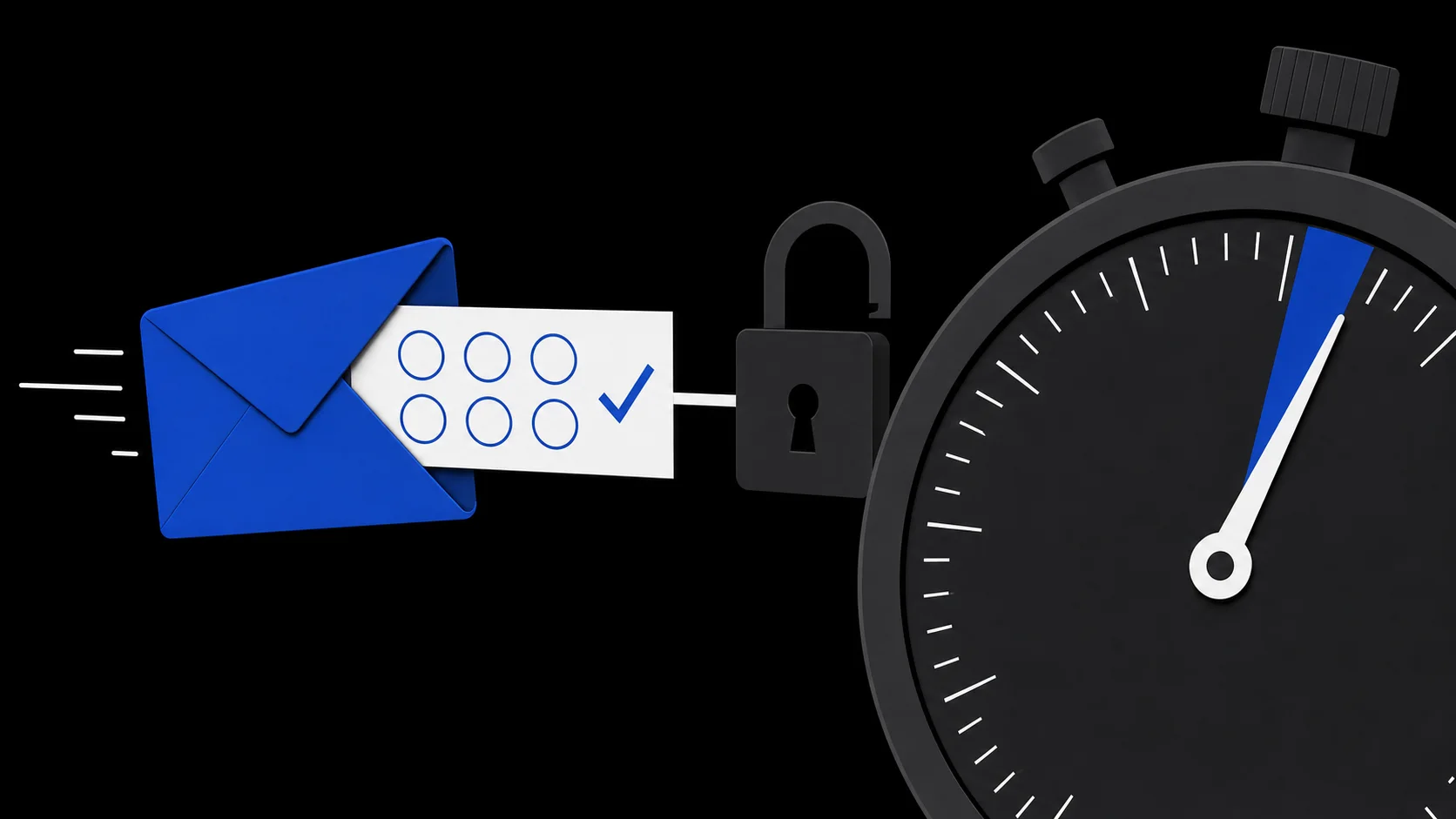
Ten minutes is right when the email is the last step of something you are finishing now. The form is filled in, the address is pasted correctly, you have clicked send, and all that remains is to read one message and use it.
Typical cases: a sign-up code for a form already open in another tab, or a download link that works once. If the code arrives in time, you can finish within the chosen window.
The honest risk is that you are guessing about a sender you have never used. Some sites dispatch verification mail immediately; others queue it. Ten minutes may leave too little time for a delayed sender or a resend, and none for a typo you notice after submitting or a sender that silently refuses a disposable address. A separate article walks through what to check when the code never arrives.
Use 1 hour for a resend or multiple steps
One hour is for flows with slack in them:
- Several messages. A forum or trial may send a welcome email and a verification email as separate sends. If the second one lands after your 10-minute window, you start over.
- A possible resend. Many systems invalidate the first code when they issue a second. If you expect to request a resend, budget time for it to arrive and for you to use the newest one.
- An unknown sender. If you have no idea whether the site's mail is fast, the extra time covers its delays. The buffer protects you from their pace, not from their policies.
One hour is a buffer, not a promise. If the sender never sends anything, a slow queue will outlive even the long window. And when it ends, expiry works exactly the same way: the address and its messages are deleted and cannot be recovered.
If it expires before you finish
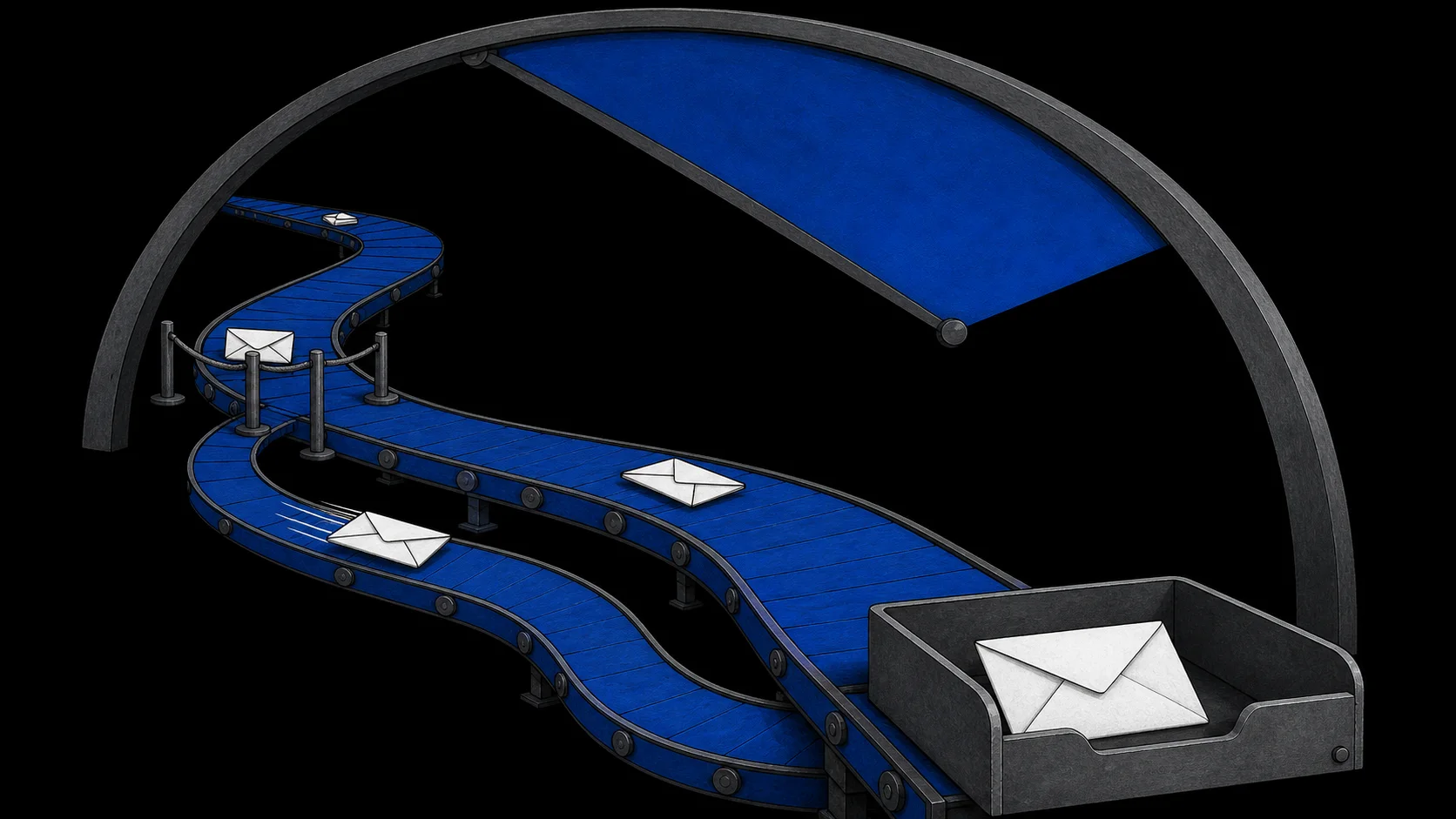
You cannot extend, reopen or recover an expired inbox. The only path is a new one, and a new inbox means a new address. What happens next depends on the site:
- If the message never arrived and the site still lets you edit the form, enter the new address and request another message; otherwise you may need to restart the flow.
- If you already created an account, you may need to change the bound email, and some services verify the old address before allowing that. If they do, you are stuck and may have to abandon the account and register again from scratch.
- If the flow has several sequential steps, redo them in order, because each step may trigger its own email.
If going through this once is annoying but harmless, temporary email still fits. If doing it twice would lose you something you care about, the task was never a temporary-email task. The decision guide covers how to tell before you paste an address.
When neither lifetime works
Some tasks need the address alive for days, not minutes. Waiting on manual approval, receiving messages spread across an afternoon, getting a shipping update next week, or ever needing a password reset: all of these outgrow a fixed one-hour window. They are not edge cases; they are signs the relationship needs a durable address.
For those, a permanent secondary mailbox or a managed forwarding alias is the right tool. The temporary email vs alias comparison explains how to pick between them.
You can create a new inbox on TempMail.Best without registration, but it will have a different address. Just choose for the whole flow, not the first email.