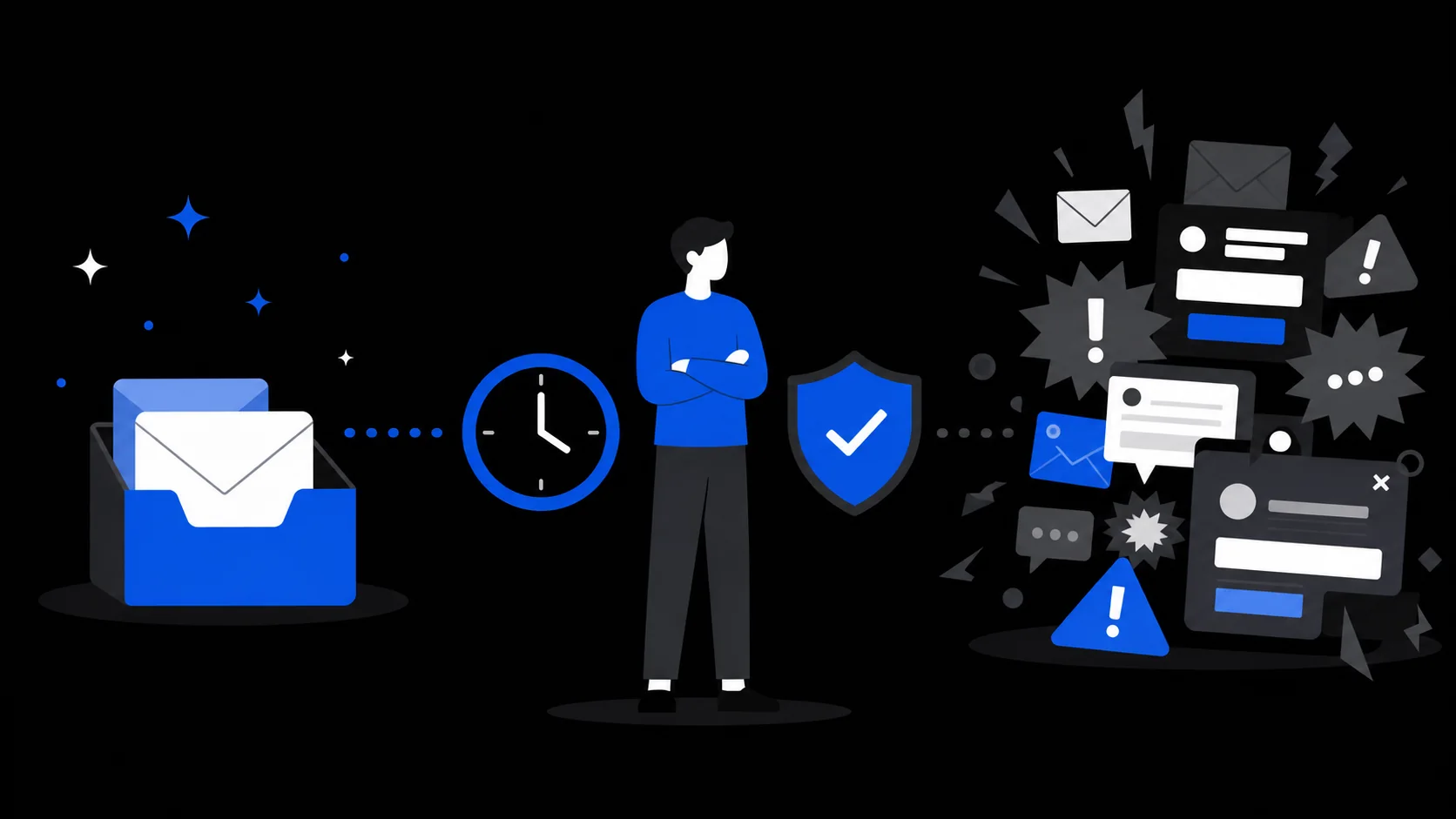
AI AgentVerification Code
AI Assistant Handling a Verification Code? Seven Checks
Before an AI assistant uses an emailed code, check authorization, site rules and account risk; afterward, stop the inbox and revoke each permission.
Tips for safer temporary email.
Before an AI assistant uses an emailed code, check authorization, site rules and account risk; afterward, stop the inbox and revoke each permission.
Learn how an email can smuggle instructions into an AI assistant's task, what a separate receive-only inbox limits, and which actions need your approval.

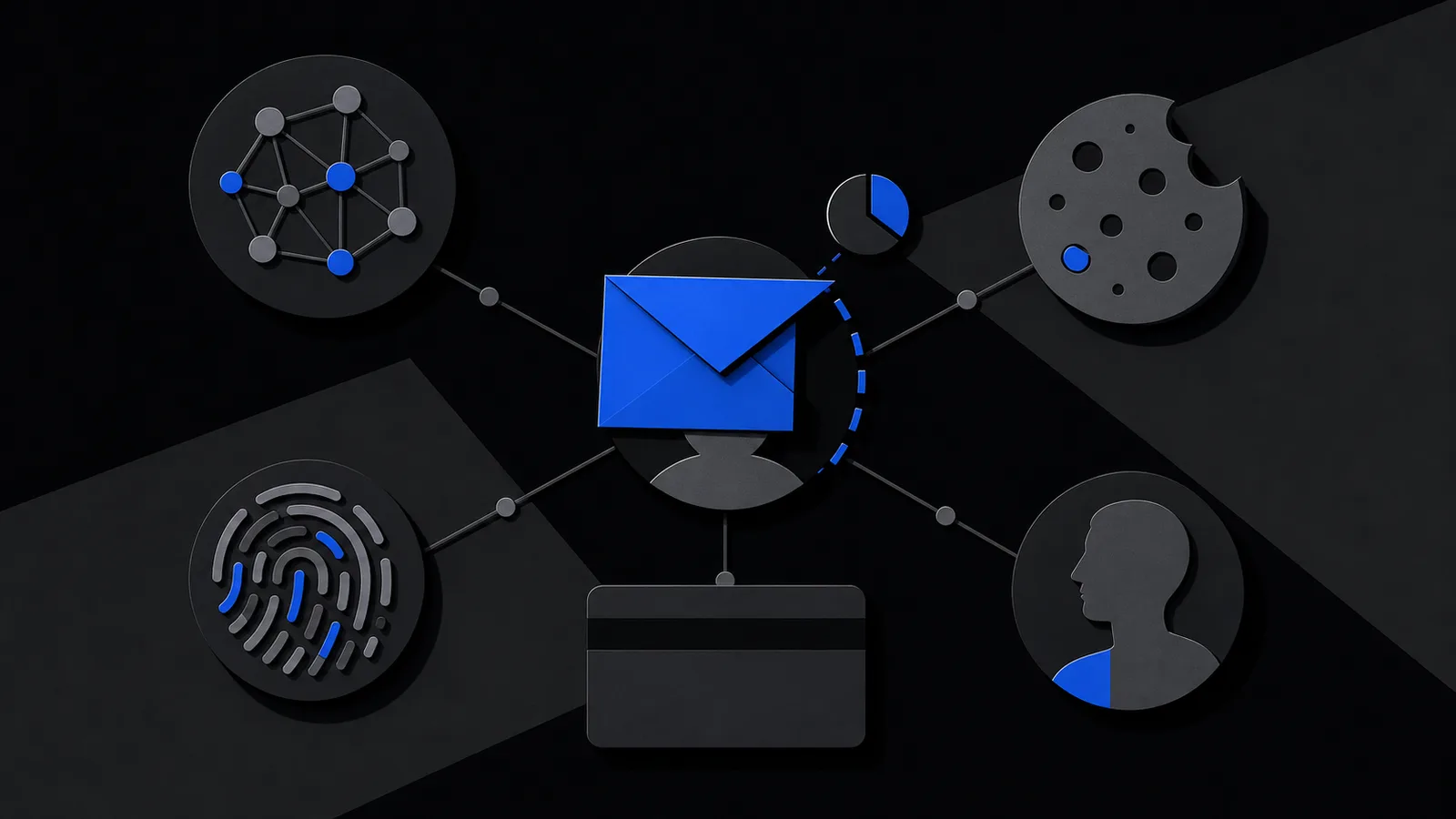
See which identity signals a website, an email sender and the inbox provider can each observe, without confusing address separation with anonymity.
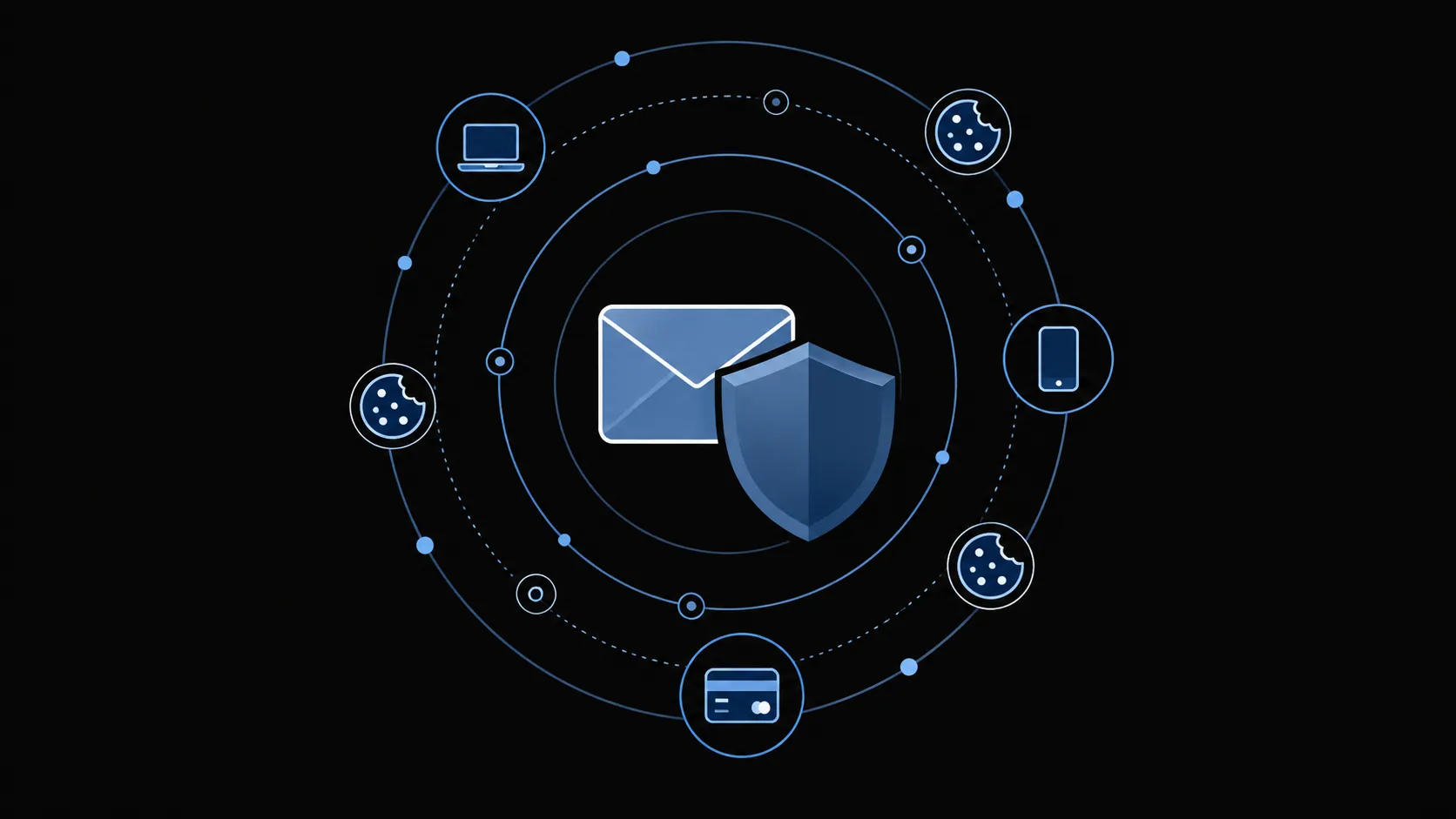
Check an unexpected QR code in an email before scanning, verify the request through the official site, and respond safely if you entered your credentials.
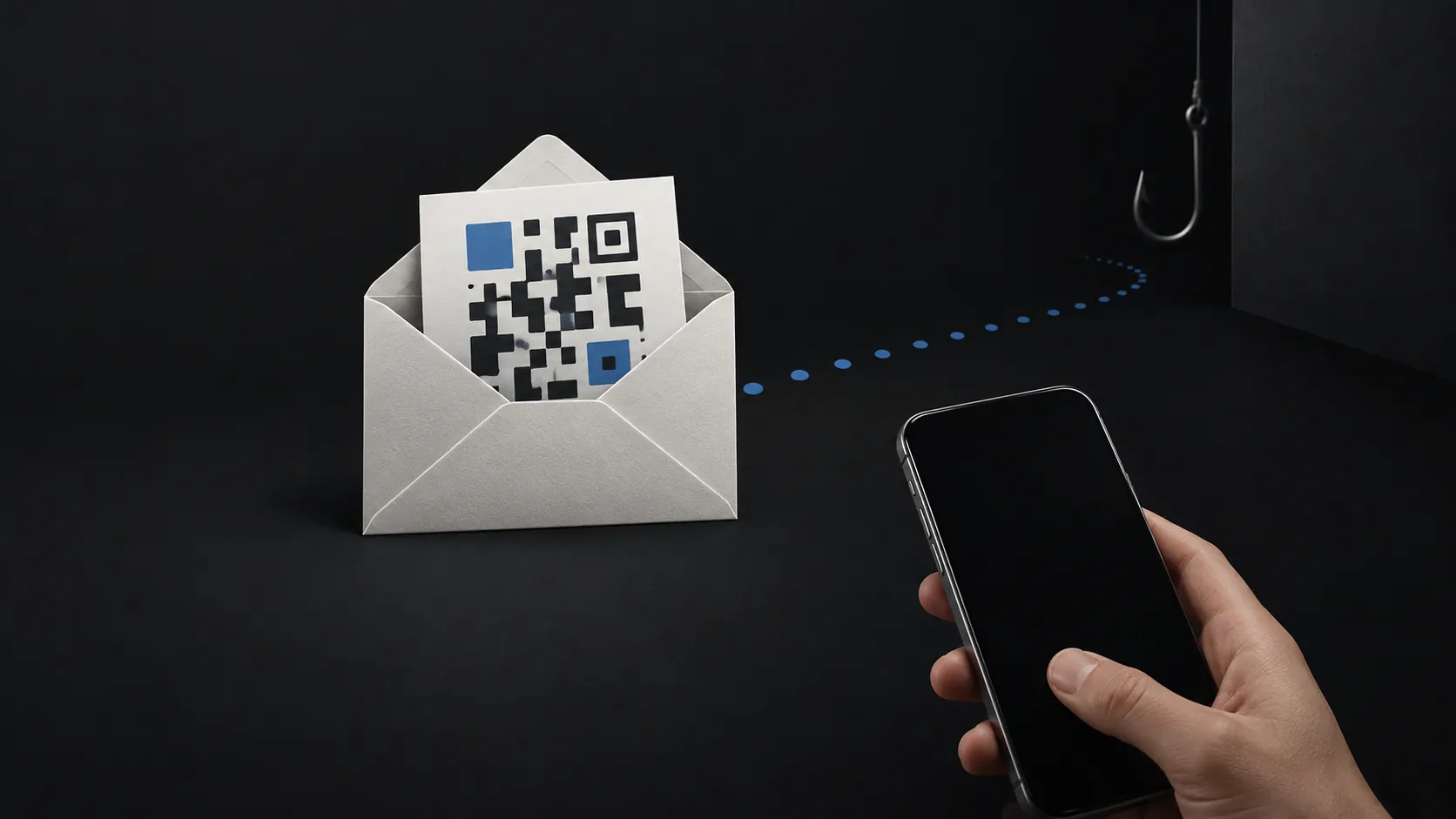
Choose each address by the mail you may still need later — order receipts, delivery updates, refunds, cancellations or account recovery help.

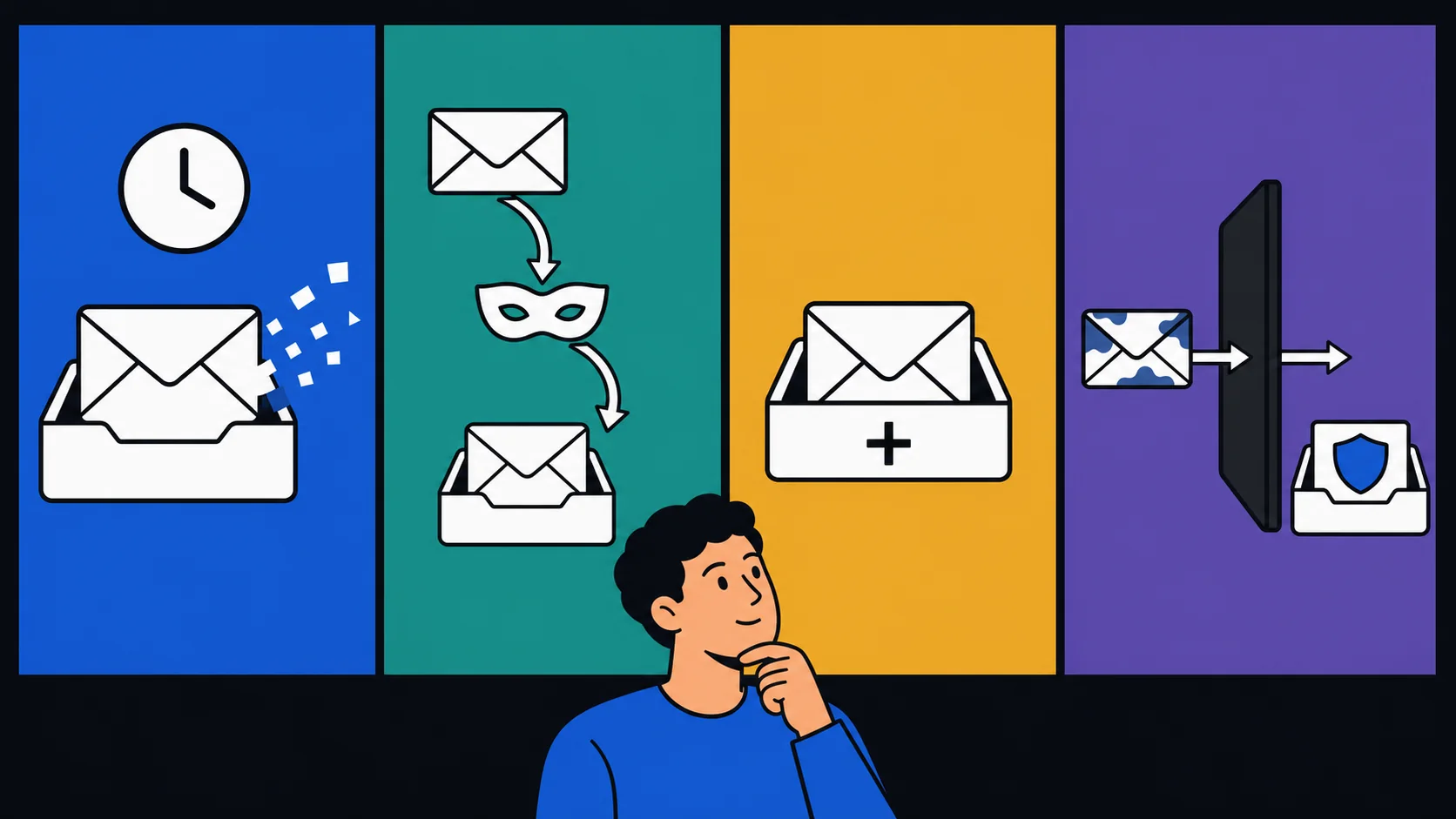
Manage marketing mail already in your main inbox, then keep future low-risk signups separate without losing receipts, replies or account recovery.

Assign a lasting address, managed alias or disposable inbox before you register, then trim the optional fields you would otherwise hand over.
Compare where mail arrives, how long access lasts, what happens when you need recovery, and what each address does—and does not—hide before you sign up.
Ten real signup situations show when losing your inbox costs nothing, when it threatens an account, and which lasting address to use instead.
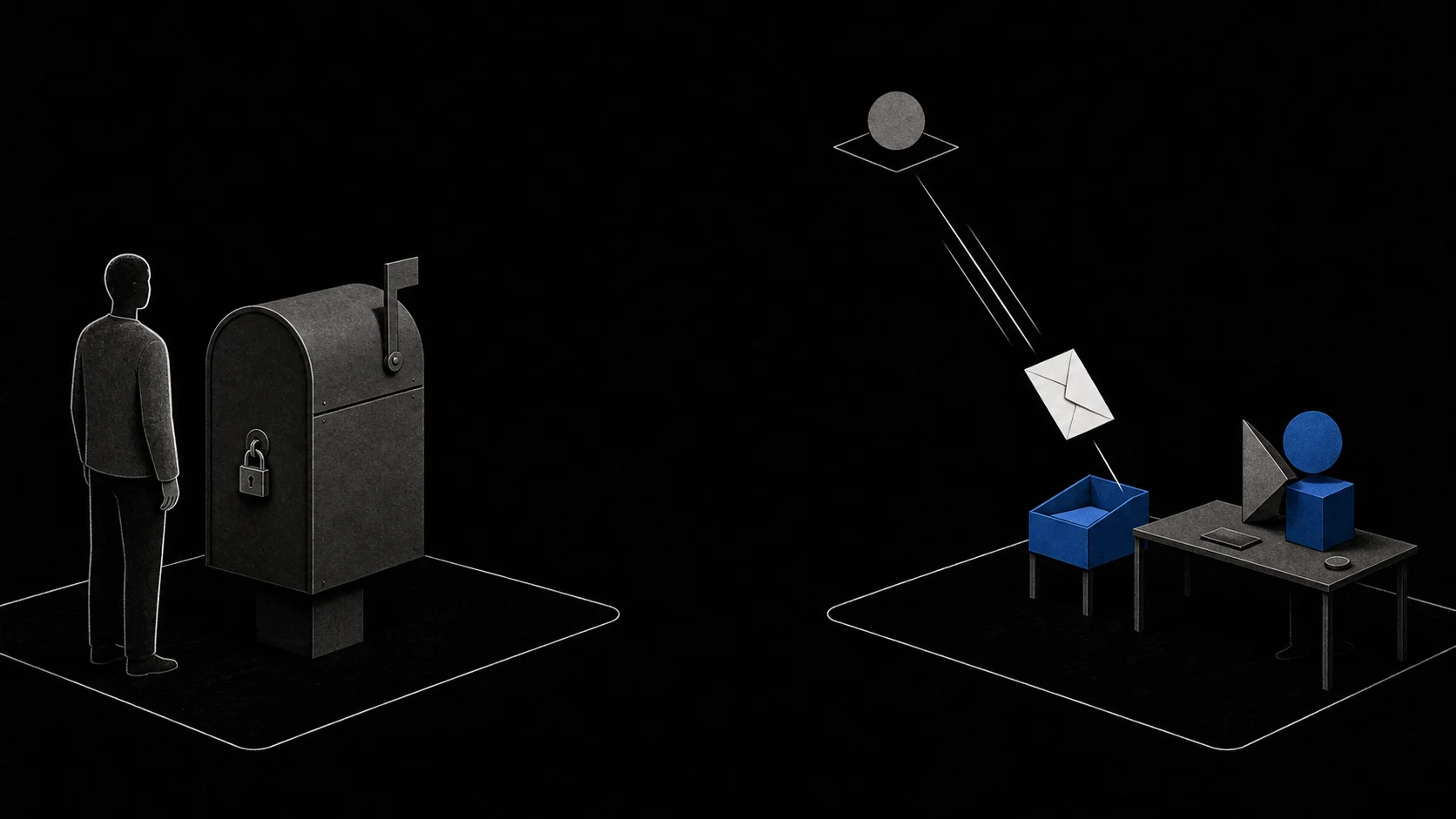
An AI agent inbox is a separate, short-lived mailbox an assistant uses to receive mail for one task. Learn what it can do and what it cannot control.
Prioritize passwords, MFA and suspicious mail after a breach, and see exactly which exposure a disposable address would and would not reduce.

Distinguish a disposable-domain policy from a typo or delivery problem, and choose an address the site accepts without trying to evade its rules.
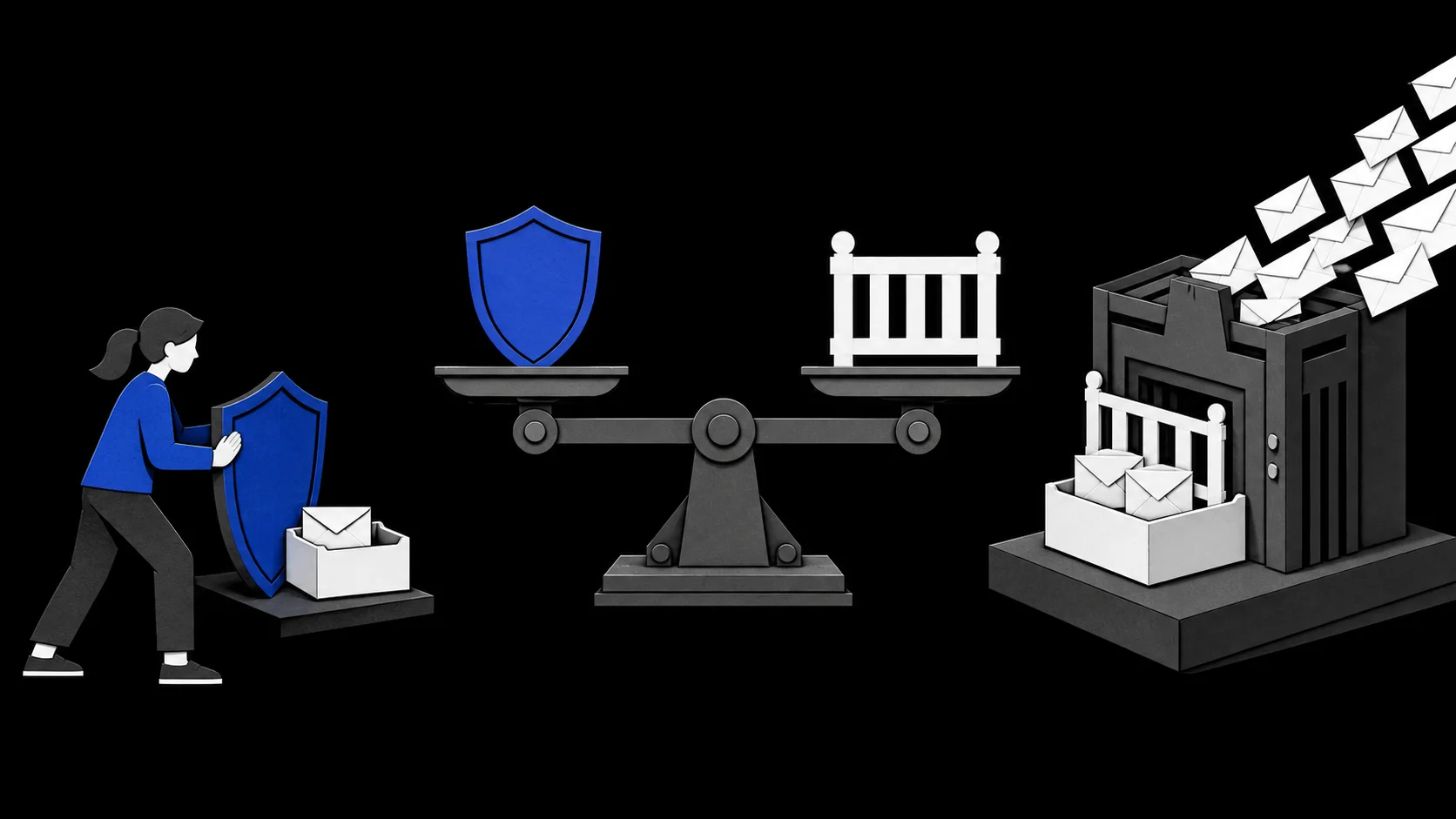
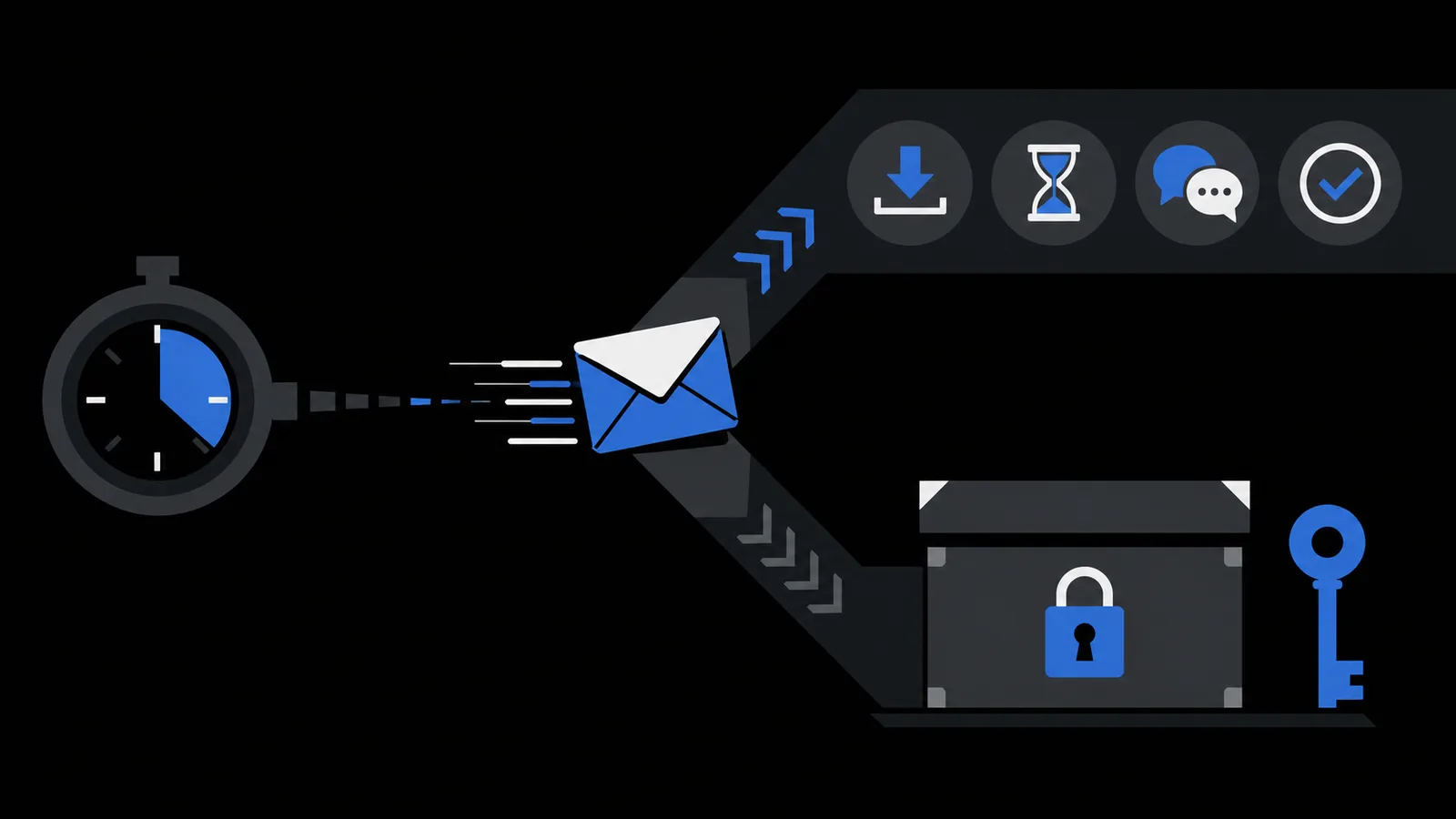
Choose a fixed inbox lifetime based on the sender's whole flow, not just the first email, and know your options if it expires before the task is done.
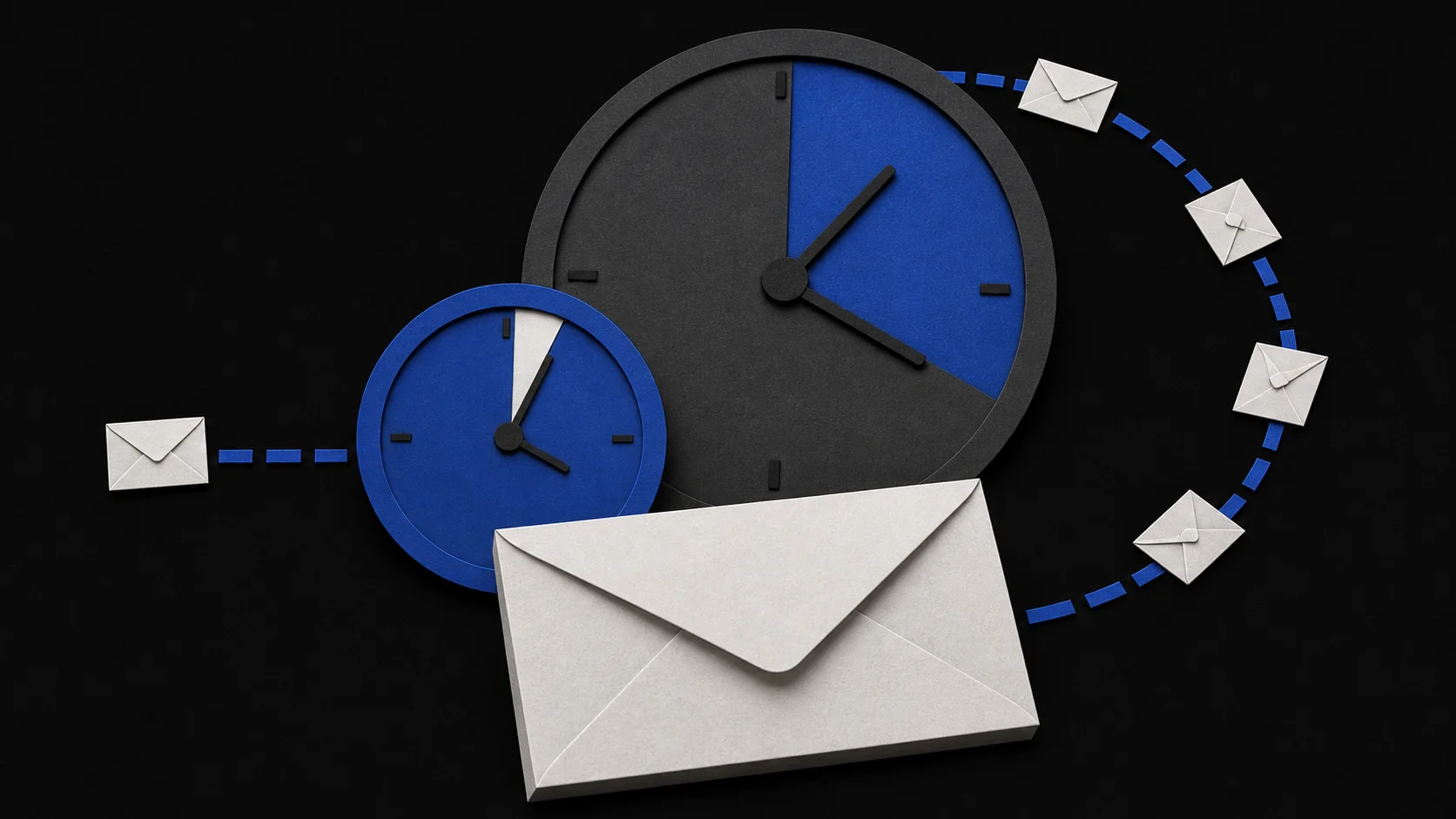
Use four questions about recovery, payment, future mail and site rules to decide whether a temporary inbox, managed alias or lasting address fits your signup.
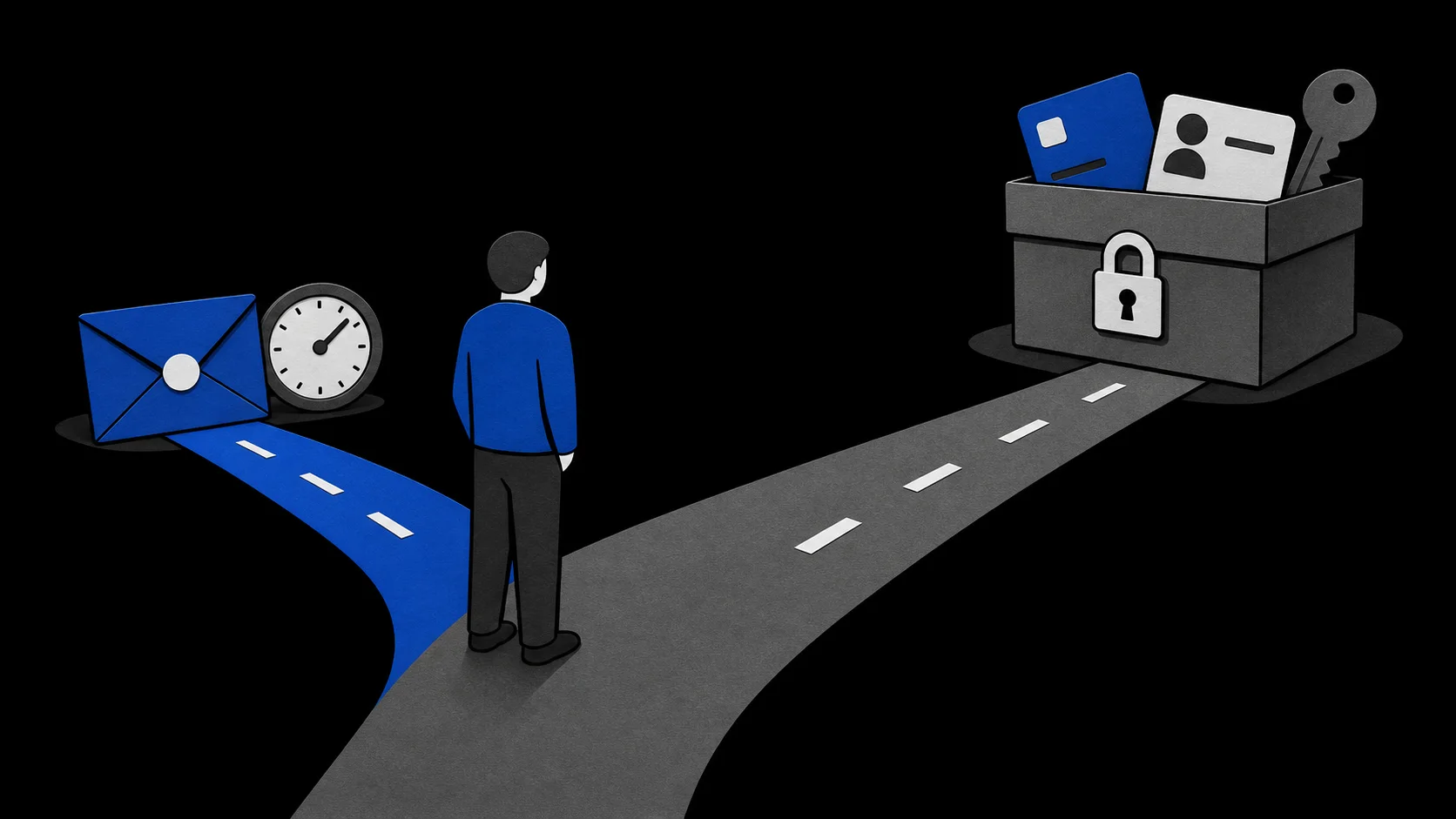
Giving an AI your address is not the same as granting inbox access. Learn to tell the two apart, limit one-off tasks, and revoke each permission.
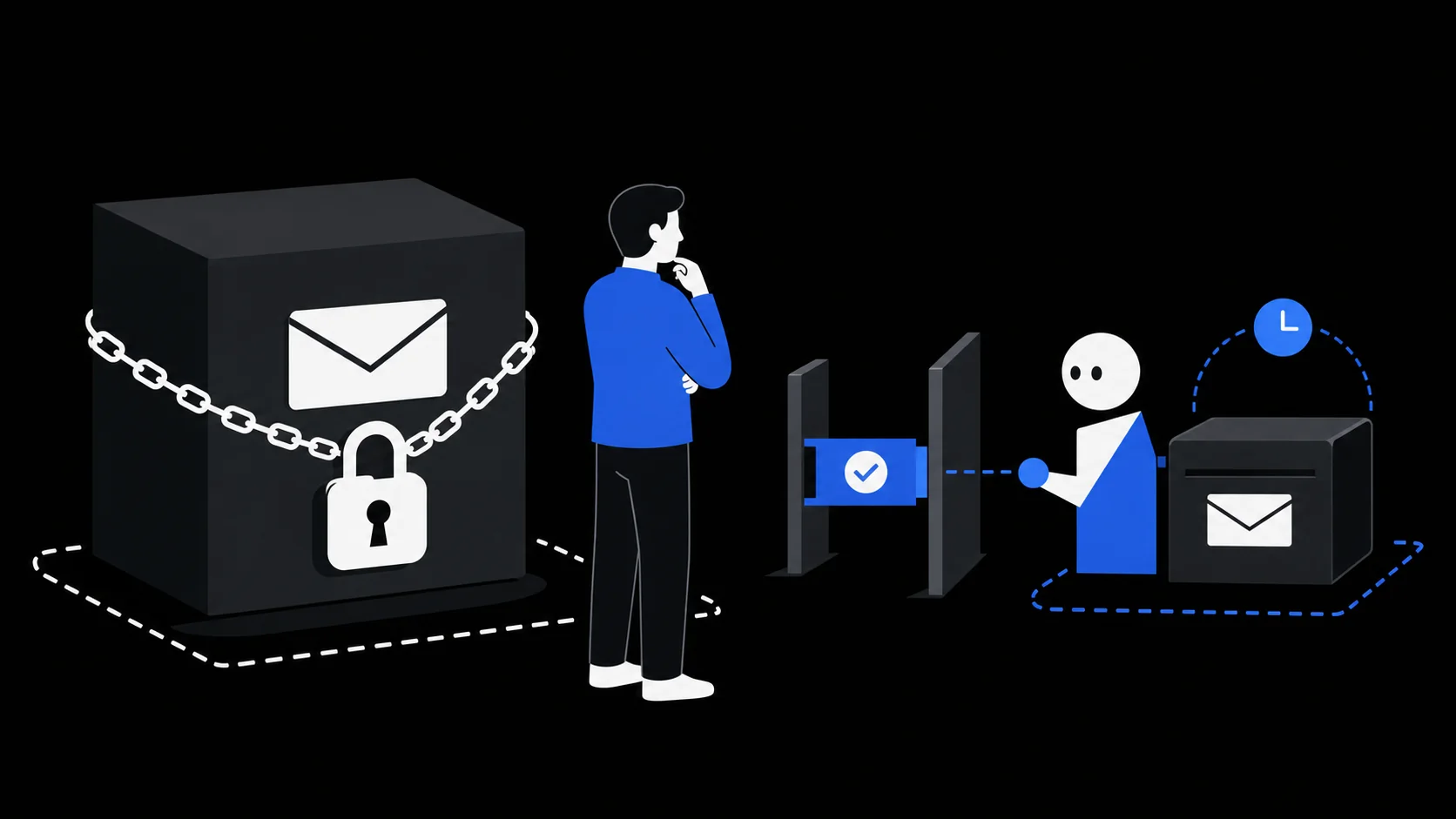
A temporary inbox can receive verification codes for disposable accounts. Diagnose delays, rejections and expired addresses without workarounds.
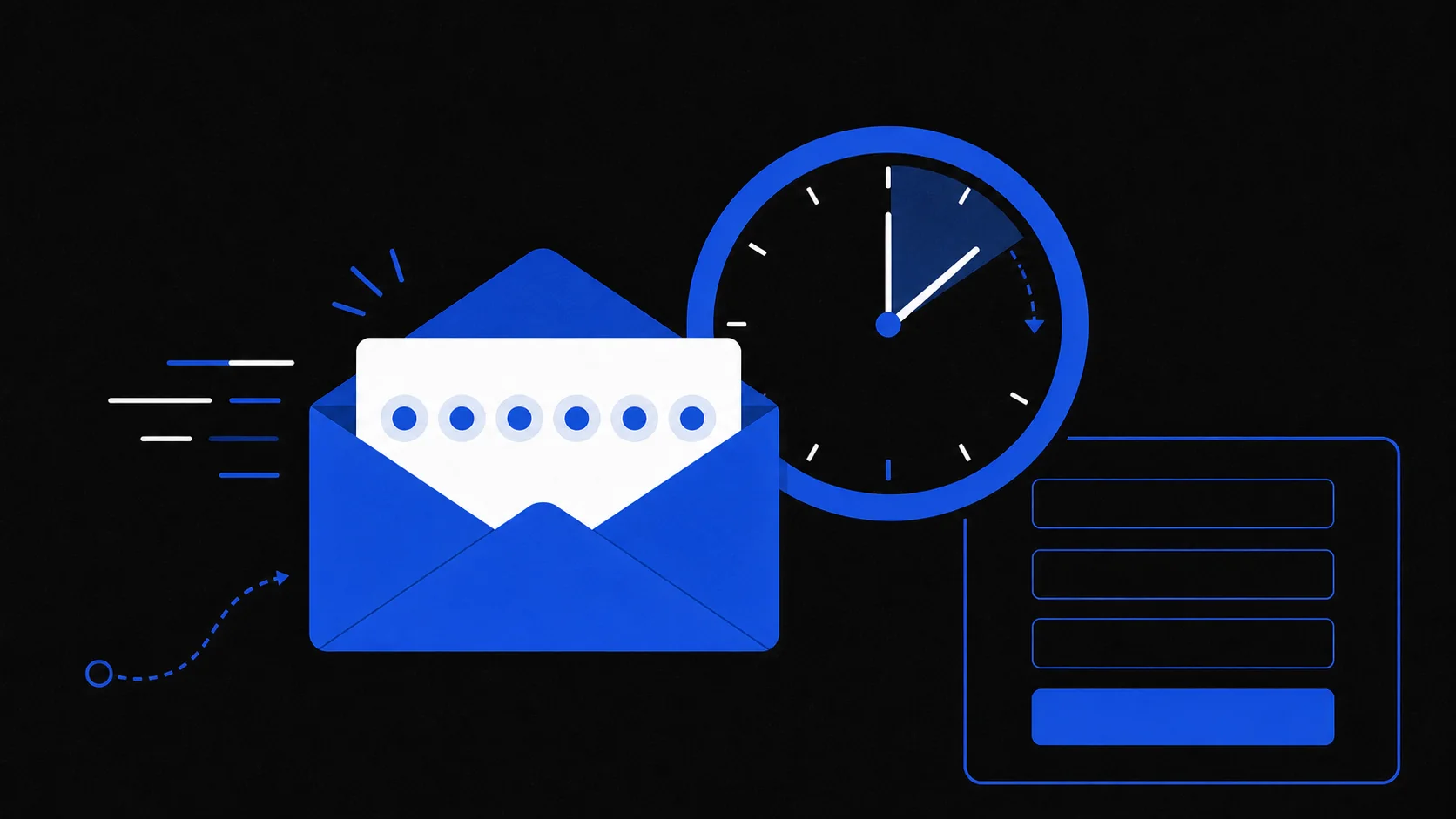
Check what address isolation covers and where it stops—account recovery, message trust and provider retention—before using a short-lived inbox.
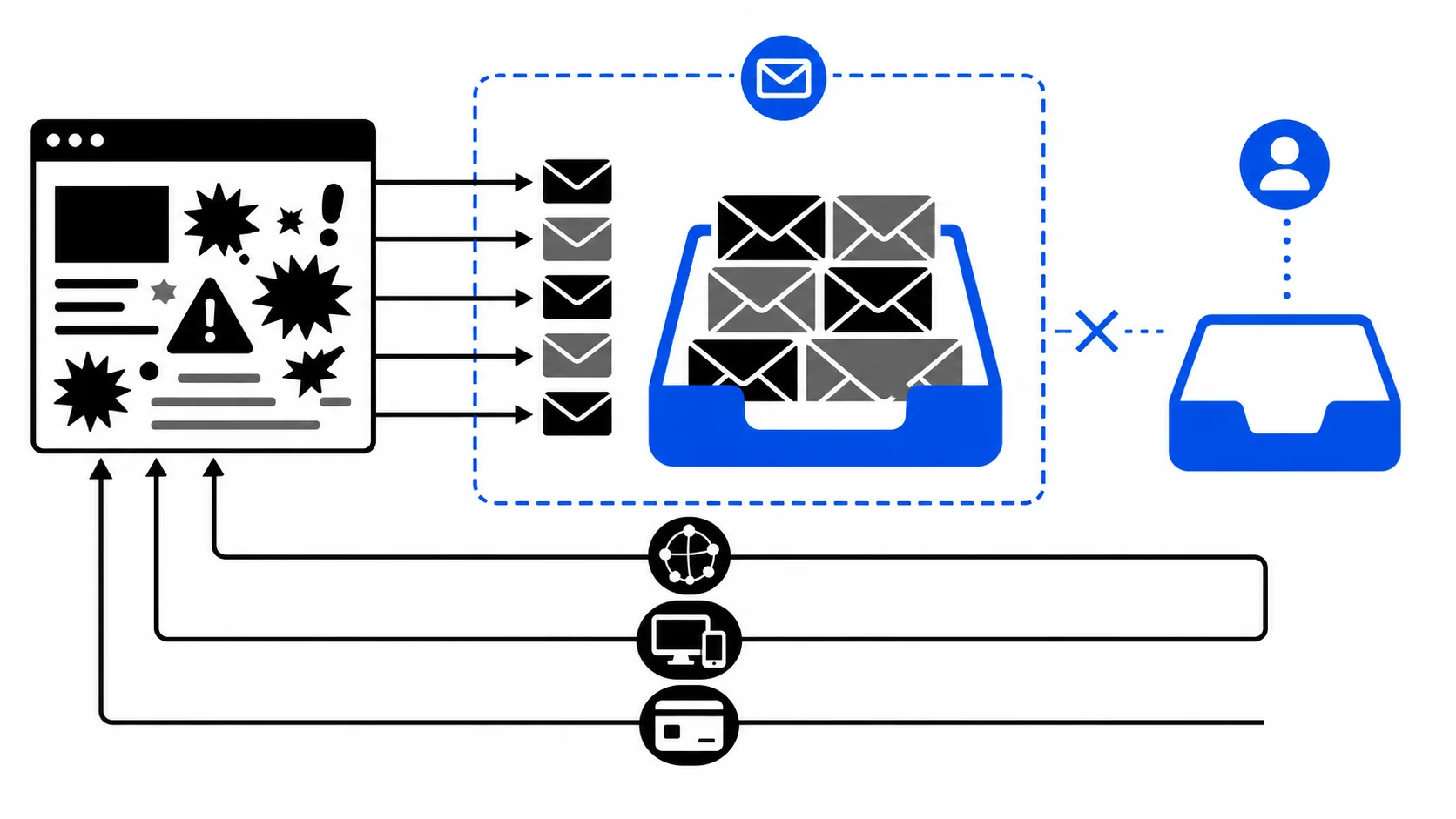
Create a short-lived, receive-only inbox for a low-risk task on your first try, and learn when a lasting address is the safer choice before you sign up.