AI Assistant Handling a Verification Code? Seven Checks
Before an AI assistant uses an emailed code, check authorization, site rules and account risk; afterward, stop the inbox and revoke each permission.
Letting an AI assistant complete one email verification is reasonable when the task is small, authorized and disposable. It is not reasonable to skip straight to "the assistant handles sign-ups." This checklist assumes you already know what an agent-managed inbox is and how it differs from your main mail; if not, what an AI agent inbox is covers that first. The seven checks below run from before you authorize the task to after you close it.
Seven checks before authorizing
Work through these before the assistant touches a form. Each one fails or passes on its own; a "no" means fix that condition, pick a different address, or do the step yourself.
- You chose this task. The assistant is doing something you asked for, not acting on a request that arrived inside an email, a webpage, or another tool. Authorization starts with you.
- The site's rules allow it. Some platforms reject disposable addresses or require a durable contact. If a site does not accept the address, that is a rule to respect, not a problem to work around. The assistant should stop and report, not try another domain or a disguised address.
- The account is low-value and needs no recovery. If losing access to this inbox would lose the account, the task is wrong for a temporary address. No banking, healthcare, government, work, or paid accounts; no service you might need to dispute, refund or recover.
- The assistant never sees your main mailbox. The only email access it gets is the credential for this one task inbox. If the assistant already holds broader mailbox permissions, that is a separate exposure to remove, not part of this task.
- The lifetime covers the whole flow. The inbox lasts a fixed 10 minutes or 1 hour from creation, and receiving mail does not extend it. Choose 1 hour when a resend or a second confirmation step is possible; do not pick 10 minutes and hope the sender is fast.
- The code stays on the site it came from. A verification code or sign-in link is only for the original site or app. The FTC's guidance for people applies to assistants too: anyone who obtains your code can act as you. The assistant should not paste it into a different site, a chat, a file, or a tool you did not approve.
- You know the ending. Before the task starts, decide what "done" looks like and which permissions to close afterward: the temporary inbox, plus any third-party AI platform authorization, session or connected app involved.
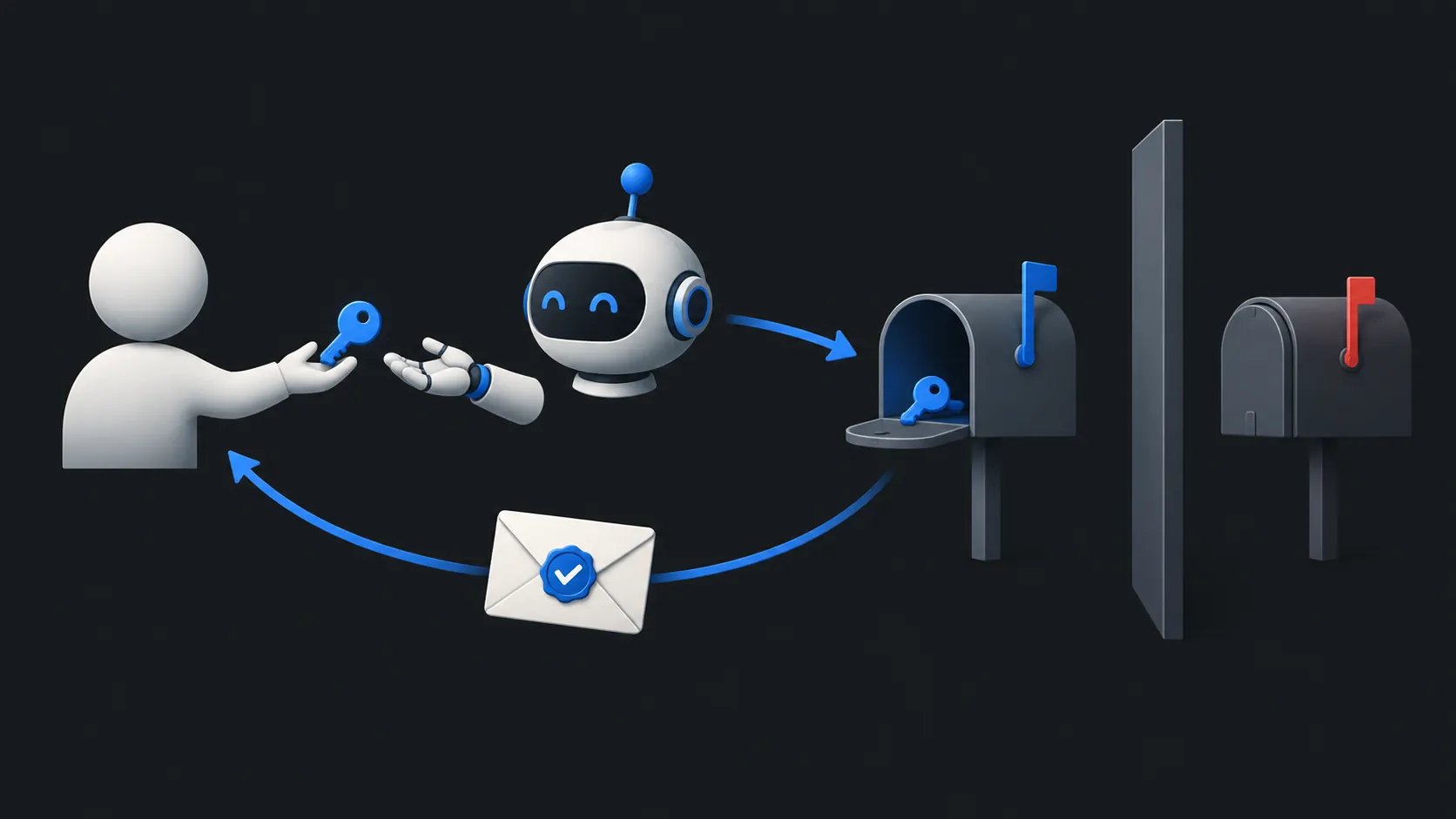
Give the agent only the inbox it needs
For a single verification, the assistant needs exactly one thing: a receive-only inbox for that task. At TempMail.Best, the assistant can create its own temporary mailbox, wait for the message, read it, and delete the mailbox afterward. The service offers no send or forward feature, but that does not prevent an assistant with other tools from leaking a code it has read.
That credential is scoped to the one mailbox it creates. It does not open your other mail, and it expires with the inbox. If you are weighing whether to give an assistant any mailbox access at all, sharing an address versus granting inbox access lays out the distinction. This is also the same principle the OWASP guidance on excessive agency describes: give an extension only the permissions its task needs, and keep human approval for high-impact actions. The other half of that principle matters just as much here. If your assistant has a browser, file access or connected apps, an injected instruction inside an email could try to use those tools even though the mailbox itself is receive-only. What happens when an AI reads a malicious email explains that boundary.
A code versus a sign-in link
Not every verification message carries a code. Some send a link that signs in whoever opens it. Treat the two differently.
A code is a short secret the assistant reads and reports back to you, or enters on the site you both agreed on. A sign-in link is a working credential: clicking it opens a session, sometimes on a device or browser you do not control. For links, have the assistant report the link's destination and the task that requested it, then verify both through the known official site before approving any open. If a link arrives that you did not request, or the destination domain does not match the service, the answer is no, not "try it and see."
Email codes are also a weak form of authentication to begin with. NIST's digital identity guidelines do not permit email as an out-of-band authenticator, and explicitly distinguish that from a code used simply to validate an email address. Neither makes a disposable inbox appropriate for an important account.
If the site rejects the address
A temporary inbox uses a recognizable disposable domain, and some sites reject it on the form or silently never send the message. Receiving a verification code in a temporary inbox covers the ordinary failure cases: typos, expired lifetimes, slow senders, one-time-code invalidation.
For the assistant, the rule is simple. A rejection is a stop condition, not a puzzle. It should report the rejection and wait. Do not let it retry with variations, rotate spellings, or look for a different disposable domain; that turns a refused signup into an attempt to evade the site's rules. If the task matters enough to need an accepted address, the right answer is a lasting address or a managed forwarding alias, which is a different tool.
Confirm completion and close access
When the assistant reports the task is done, check the result yourself. Did the code work on the intended site? Is the account actually created? Then close things in order.
Have the assistant delete the mailbox, or let its lifetime expire. That ends the mailbox credential and removes the stored messages; the service keeps at most the latest 20 messages and deletes them at expiry. Closing the inbox ends the assistant's access to this mailbox, but it does nothing else. It does not revoke a third-party AI platform's other authorizations, end its logged-in sessions on the site, or erase what the assistant already read. Go to the AI platform's settings and revoke the connection or session there; those are separate steps that each need doing.
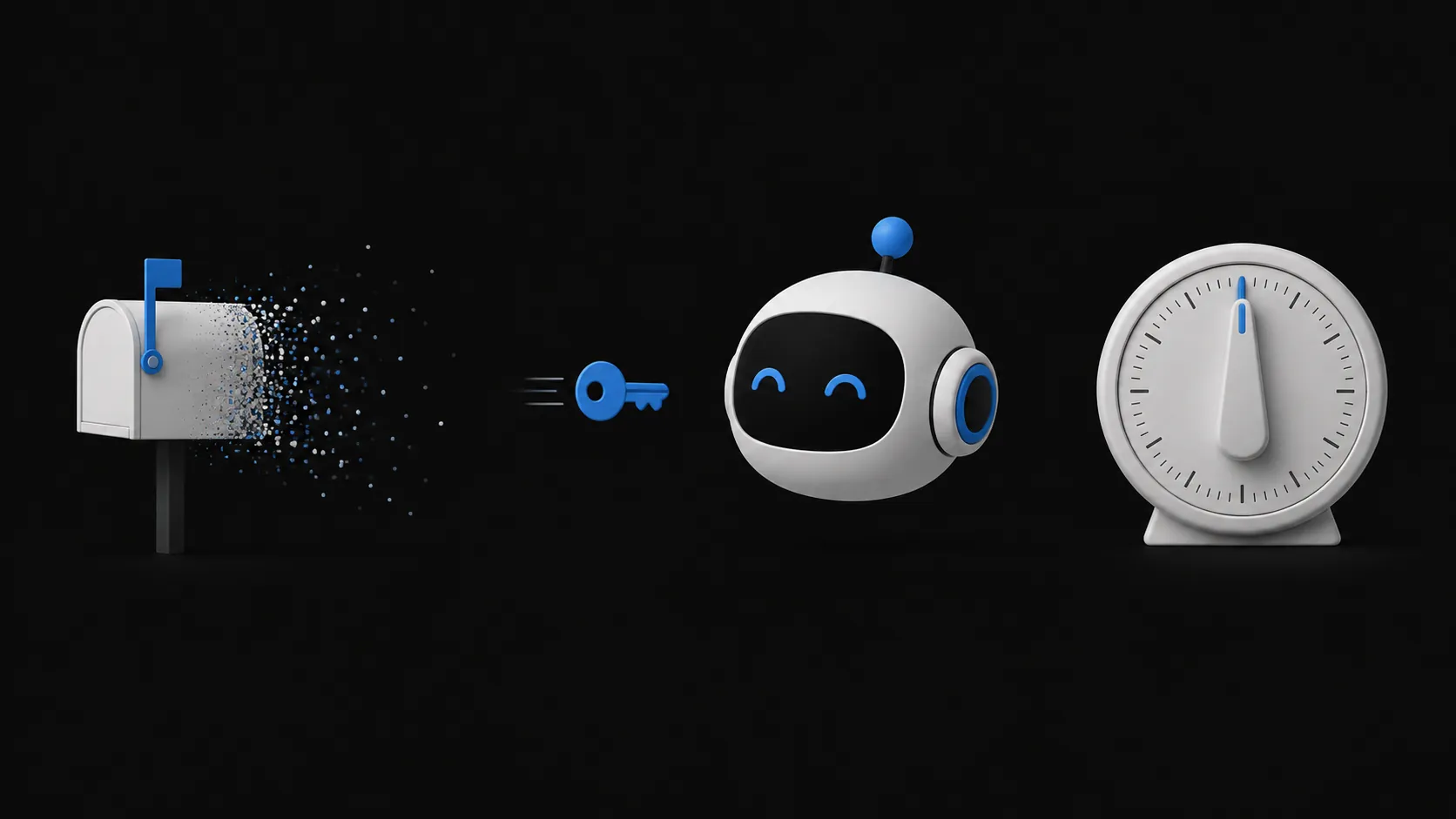
If the task was worth delegating, it is worth closing properly. Authorize one inbox for one task, keep the code on the site it came from, and when the confirmation arrives, end the mailbox and the platform permission as two separate actions.