Giving AI Your Email vs Inbox Access: What to Authorize
Giving an AI your address is not the same as granting inbox access. Learn to tell the two apart, limit one-off tasks, and revoke each permission.
Whether it is safe depends on which of three different things you are actually doing. Typing your email address into a field shares an identifier. Giving the assistant permission to read one inbox shares that inbox's contents. Connecting your whole mailbox through an integration can share years of messages and the ability to act on them. These are often presented as one decision, a form field or a consent screen, but they carry very different consequences, and they can be decided separately.
This article is about making that decision deliberately: check what an integration can do, give one-off tasks only what they need, and close each permission when the task ends.
Address, inbox access and full mailbox connection
Sharing an address means the assistant puts your email into a signup form or message header. The site now knows the address; the assistant gained nothing beyond what it already had. Nothing arrives anywhere new, and no one can read mail just from knowing an address.
Inbox access means a credential or permission that lets the assistant open a mailbox and read what arrives. This can be narrow (one mailbox, read-only, an hour of life) or broad. The word "access" hides the difference, which is why the next section exists.
Full mailbox connection is what a mailbox integration may request: access to message history or actions such as sending and deleting. Useful for ongoing assistants that genuinely manage mail, and far too much for "get me one verification code."
Check what an integration can actually do
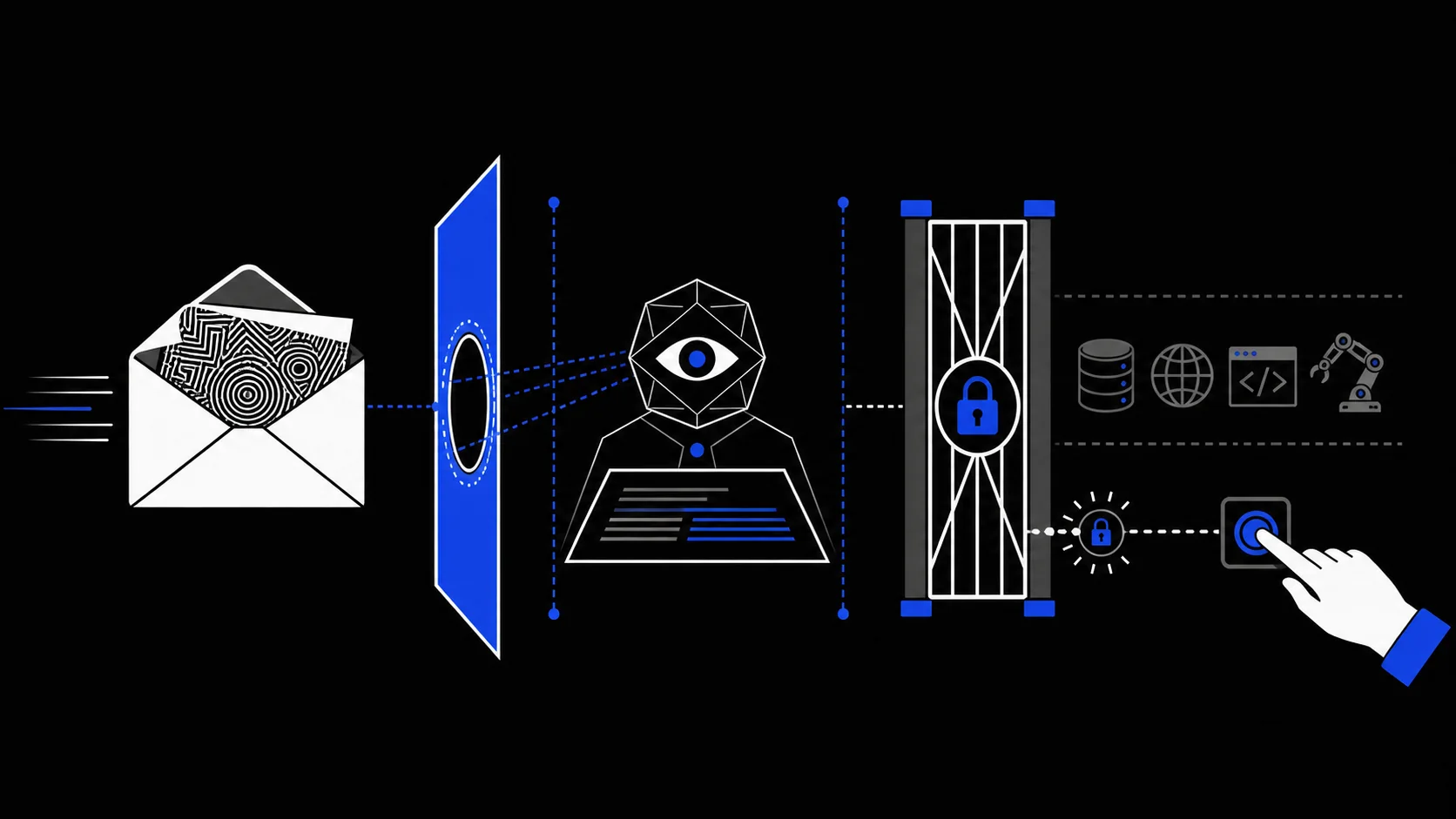
Before authorizing, look at the requested scopes rather than the feature name. An assistant that "summarizes your email" may still hold permission to send, delete, or modify mail. OWASP's guidance on excessive agency is blunt about this pattern: an extension that reads mail for summarization should have read rights only, and high-impact actions should require human approval (OWASP LLM06).
Check four things:
- Scope: read, send, delete, settings; which of these does the permission actually grant?
- Extent: one mailbox or the whole account? New mail only, or the entire history?
- Persistence: does the permission end with the task, or stay valid until you revoke it? Check whether this integration expires with the task; if it does not, the task ends but the door stays open.
- Other tools: what else can the assistant reach while it holds this access, such as a browser, files, or other connected services?
The last point matters more than it looks. Incoming mail is untrusted input, and a message can contain text written to redirect the assistant. This is not hypothetical: CVE-2026-33654, a prompt injection vulnerability in the nanobot assistant's email channel, let a remote attacker send a single email that made the model run instructions and call system tools without the owner doing anything. That was one product's flaw, not a property of every AI email feature, but it shows why the permissions around the inbox matter as much as the inbox itself. The mechanics of how message text becomes an instruction are covered in prompt injection for email users.
Prefer a task-specific receive-only inbox
For a low-risk task that just needs mail received, such as a verification code, a confirmation, or a download link, the narrowest sufficient option is a mailbox created for that task alone.
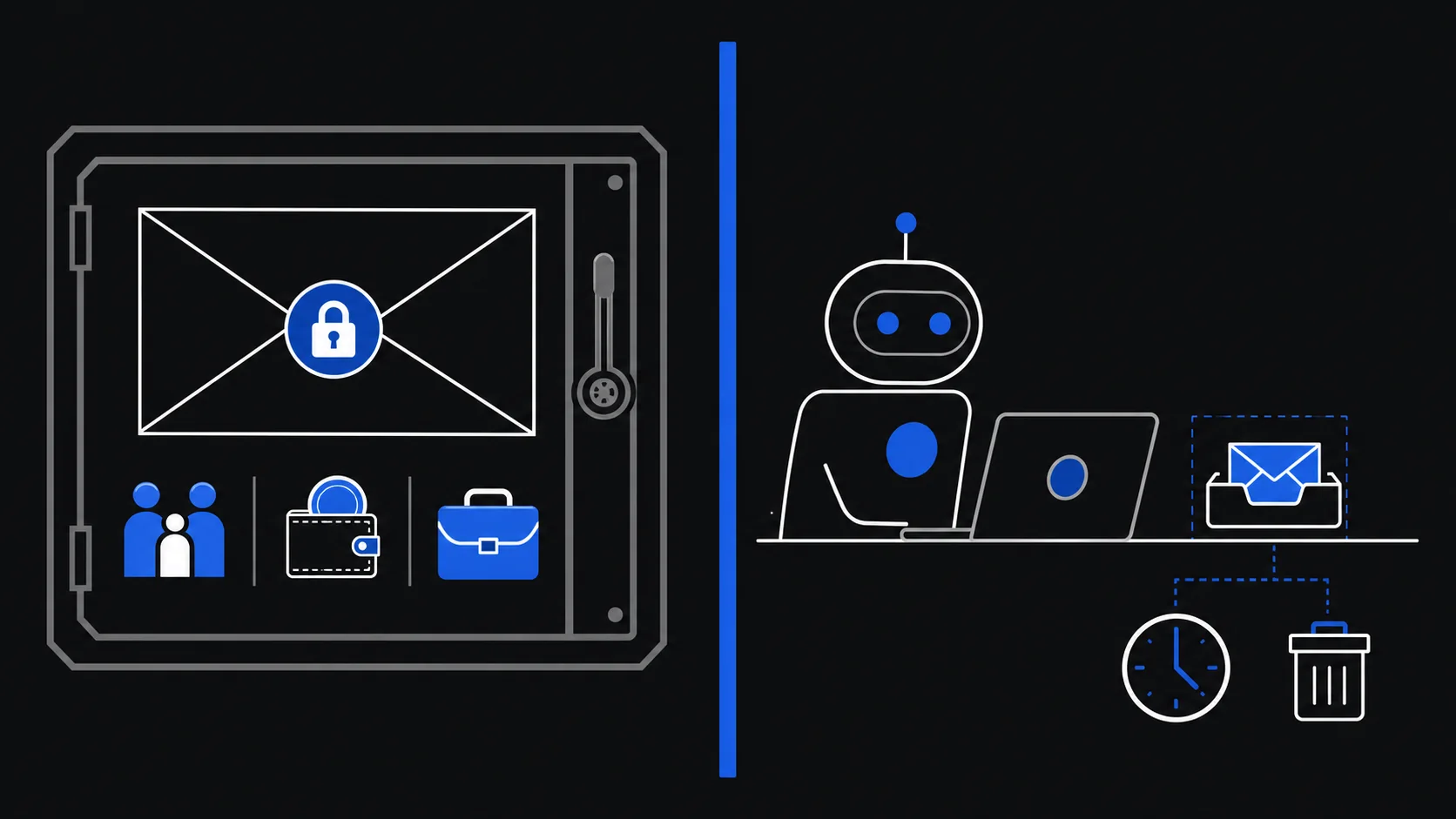
On TempMail.Best, an agent can create a mailbox with a 10-minute or 1-hour lifetime, wait for incoming mail, read messages, and delete the mailbox when done. The service is receive-only: it cannot send mail from that address. The agent's credential opens only that mailbox; there is no account behind it and no history inside it.
Two limits deserve precision, because people overextend them:
- A separate inbox exposes only that inbox, provided the assistant's other permissions and tools are equally limited. If the same assistant can also reach your files or browser, the inbox boundary does not shrink what a misdirected assistant could do through them.
- "Receive-only" describes this service. The agent cannot send mail through TempMail.Best, but it can delete this temporary mailbox, and whatever it can do through other connected services is unaffected by anything here.
The model of a task-bound inbox is explained in what an AI agent inbox is.
When not to authorize
Skip the temporary inbox, and AI mailbox access in general, for tasks involving:
- banking, payments, investments, or purchases you might dispute or refund;
- healthcare, insurance, government services, or identity documents;
- work email, primary accounts, or confidential conversations;
- password resets, recovery links, or security-setting changes;
- subscriptions or services you may need to renew, cancel, or recover;
- any flow where the assistant could send mail or change an account without your approval.
For lasting accounts, use an address you control long term or a managed forwarding alias. If a site refuses a disposable address, respect that; the task may simply not belong to a temporary inbox.
Close the task and revoke each permission
When the assistant reports done, verify the result: the code worked, the download is in hand, the account exists. Then close access in two separate steps, because they involve two different systems:
- Delete the temporary mailbox. This ends the agent's credential for that inbox and removes its messages. The mailbox would expire on schedule anyway, but closing it on task completion shortens the window.
- Revoke the third-party permissions. Stopping a TempMail.Best inbox does not revoke anything on the AI platform. Other authorized tools, integrations, and active sessions are managed there and remain until you remove them. Check what you authorized before the task and undo each item.
One thing deletion cannot do: it cannot un-read mail the assistant already saw or undo what it stored elsewhere. Contain exposure before the task; cleanup after it is about doors, not memory.
Before authorizing any email task, run through the pre-flight checks in AI agent email verification. The question is never whether the AI is trustworthy in general. It is whether this task needs this much access. For one-off receiving, it almost never does.