Receive Email Verification Codes in a Temporary Inbox
A temporary inbox can receive verification codes for disposable accounts. Diagnose delays, rejections and expired addresses without workarounds.
Yes, a temporary inbox can receive an ordinary verification email: a one-time code, a sign-up confirmation, a passwordless login link. Two conditions have to hold first. The website has to accept the address, and it has to actually send the message. Neither is guaranteed.
So the check comes before the steps: is this an account you can afford to lose? A disposable inbox works for a disposable task. For anything you may need to recover, it is the wrong tool, and no amount of careful handling changes that.
Check whether the account can be lost
Apply one test before you paste an address anywhere: when this inbox reaches its deadline and every address tied to it stops working for you, what breaks?
| Message you expect | Does a temporary inbox fit? |
|---|---|
| One-time sign-up code | Yes, for a disposable account |
| Newsletter or download confirmation | Yes, if you need no future access |
| Passwordless login link | Only when the session itself is disposable |
| Password reset or security alert | No, the inbox will expire |
| Bank, medical, work or government code | No, use an address you control long term |
"Receivable" is not "compatible." Some sites refuse disposable domains at the form. Others accept the address but never deliver anything. TempMail.Best uses a single mail domain, so whether a given site works with it depends entirely on that site's policy. If a form rejects the address, treat it as a rule and move on rather than looking for a way around it.
This applies to email OTP codes too. If the service sends its one-time password by email and accepts the address, the inbox can show it. SMS codes and authenticator apps are a different channel entirely.
Receive and use one code
- Pick a lifetime that covers the whole flow. On TempMail.Best choose 10 minutes when the form is already open and ready, or 1 hour if the sender may be slow or you might need one resend. The clock starts at creation, and receiving mail does not extend it. The 10-minute vs 1-hour guide covers that trade-off in detail.
- Copy the address once. Paste it into the form, check every character (the local part is long), submit, and keep the inbox tab open.
- Use the code from your latest request. Open the message from the site you just used and enter the code on the page you already had open. If you requested a resend, use the code issued for that request rather than relying on inbox arrival order.
TempMail.Best needs no registration and pushes new mail to the open page. If the connection drops, the page keeps checking roughly every 15 seconds. An inbox keeps only its latest 20 messages and is receive-only; you cannot reply from it.
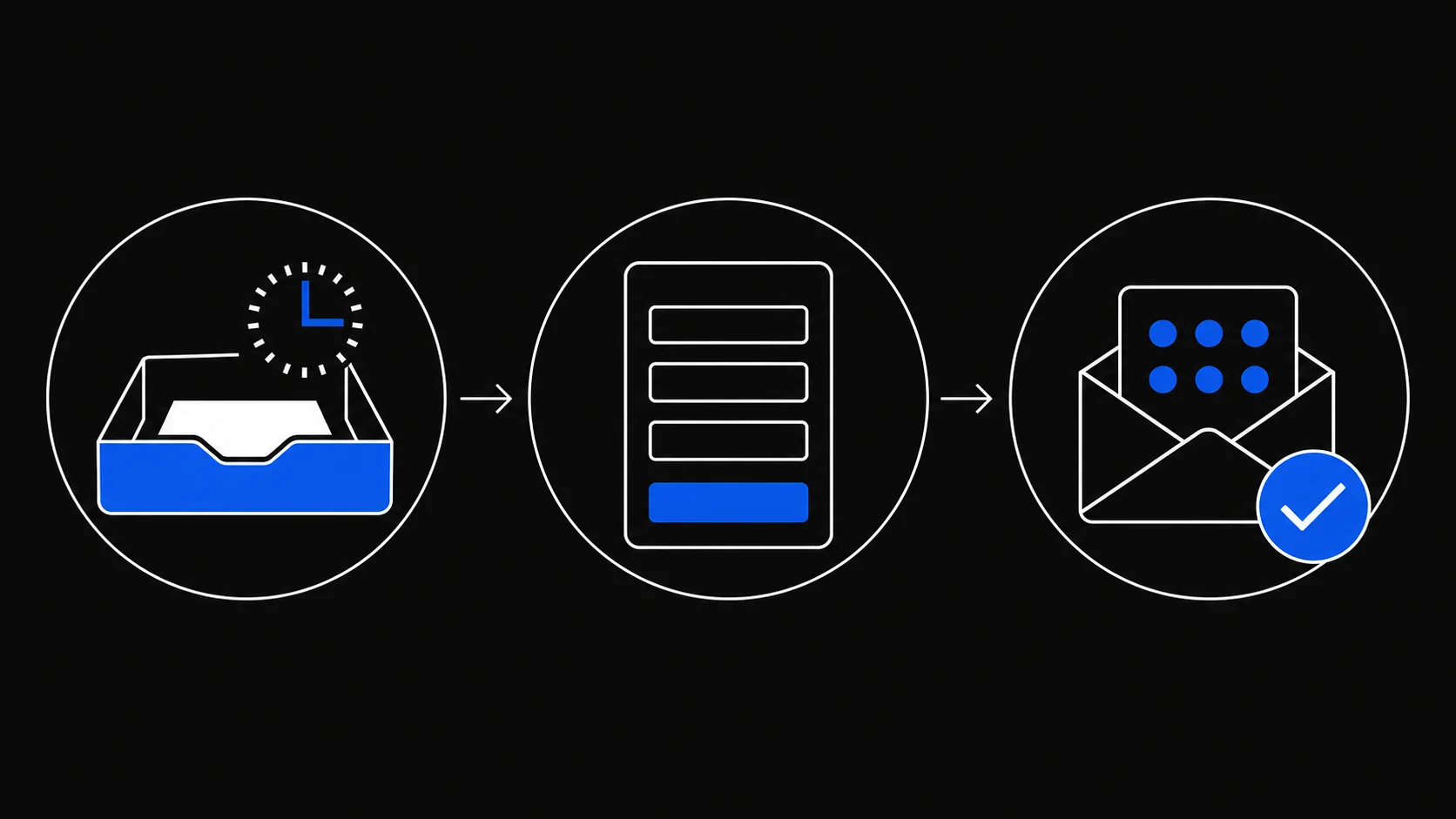
If nothing arrives
Check these points before requesting another code. Some sites invalidate earlier codes after a resend; follow the site's instructions and use the code from the request you intend to complete.
- Recheck the pasted address. One wrong character routes the mail elsewhere.
- Check the remaining time. The lifetime runs from creation, not from when the sender dispatches mail, and incoming messages do not renew it.
- Wait a few minutes. Many senders queue transactional email instead of dispatching it instantly.
- Request one resend. Then use the code issued for that request.
- Check the channel. The site may have sent an SMS, an app notification or an authenticator prompt instead of email.
- Look for a stated refusal. If the site rejects disposable addresses, that is a policy decision, not a delivery failure. Why websites block temporary email explains how to confirm it and what to use instead.
- If the inbox expired, start over. A new inbox has a different address, so the form or account must be updated with it. Some services will not let you change a bound email without verifying the old one first.
When a login link needs extra care
A magic link can sign in whoever opens it. Do not treat the sender's name or address as proof that a link is genuine; sender fields can be imitated, and a message landing in your temporary inbox says nothing about who sent it or why.
Verify at the source instead. Open a login link only in the browser session where you requested it. When in doubt, skip the link and sign in from the site's official page or app directly. Keep every code and link to yourself: the U.S. Federal Trade Commission warns that anyone who contacts you asking for a verification code may be trying to take over that account.
Because the inbox is receive-only, it also cannot vouch for content. A phishing email can look like a legitimate one in the inbox.
When to use a lasting address
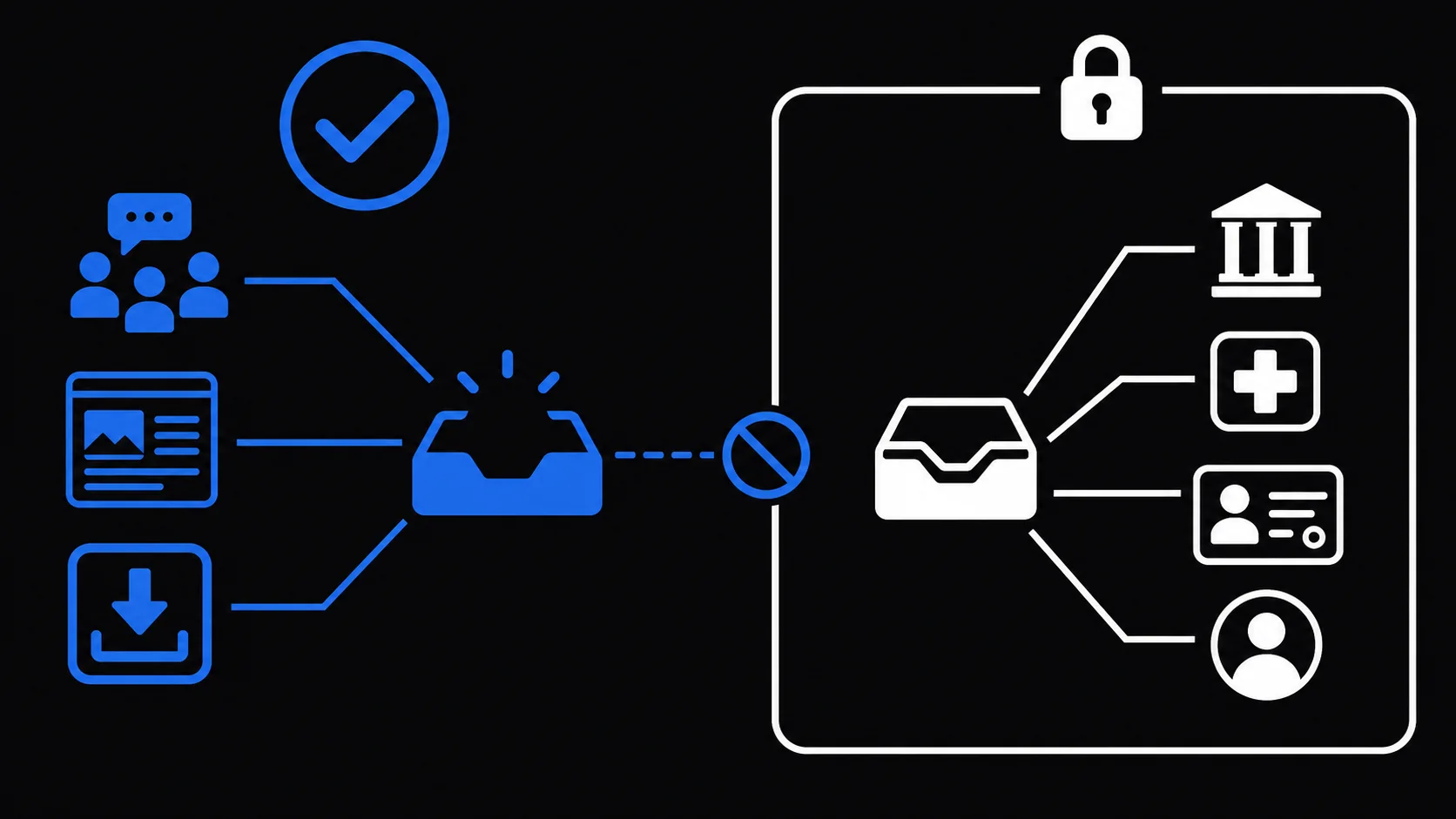
Skip the temporary inbox whenever the verification establishes lasting ownership or guards something valuable:
- banking, payments, cryptocurrency, or shopping accounts with stored value;
- medical portals, insurance, tax, government and education records;
- your main work, cloud storage, social or password manager account;
- paid services, orders, warranties and subscriptions you may need to manage;
- any account whose reset links or security alerts arrive by email.
A permanent mailbox, or a managed forwarding alias that keeps your real address off the form, fits these cases. If an AI assistant will run the verification for you rather than you doing it by hand, a different checklist applies; see email verification safety for AI agents.
For a one-off code on a disposable account, create an inbox with enough time for one resend, use the code issued for the request you complete, and let it expire on schedule.