Website Rejected Your Temporary Email? Find the Real Reason
Distinguish a disposable-domain policy from a typo or delivery problem, and choose an address the site accepts without trying to evade its rules.
You paste a temporary address into a sign-up form and it turns red. "Please enter a valid email address." The address is valid; it receives mail. The site is refusing it anyway.
That message on its own tells you less than it seems to. Forms use the same vague wording for half a dozen different problems: a mistyped character, a rejected domain, an MX record check that failed, a formatting rule. Before concluding the site bans disposable email, rule out the boring explanations first.
What the error does and does not tell you
Two very different failures hide behind "invalid email":
- Form rejection. The address is refused when you submit, before any email is sent. A form rejection may reflect formatting, domain validation, or a site policy.
- Delivery failure. The address is accepted, you wait, and nothing arrives. The site may have sent the message to a queue, to spam filtering, or nowhere at all.
If the form rejected the address outright, jump to the sections below. If the form accepted it but mail never showed up, treat it as a delivery problem first: check the remaining inbox time, wait a few minutes, request one resend. Receiving verification codes walks through that checklist.
Check formatting and delivery first
Before blaming a policy, exclude simple causes:
- The pasted address is wrong. Temporary addresses have long random local parts; a truncated copy or a stray space breaks them.
- The inbox already expired. If you created the address 10 minutes ago and then got distracted, mail sent now has nowhere to land that you can still open.
- The site sent it slowly. Transactional mail often sits in a queue. Wait a few minutes and request one resend rather than spamming the button, since each new code usually invalidates the last.
- The site used another channel. Some flows send the code by SMS or an app notification even when you typed an email address.
Repeated non-delivery alone does not prove a disposable-domain block. If the address was typed correctly and the inbox was alive, rely on an explicit site message or ask support before concluding the domain is the problem.
Why sites may reject disposable domains
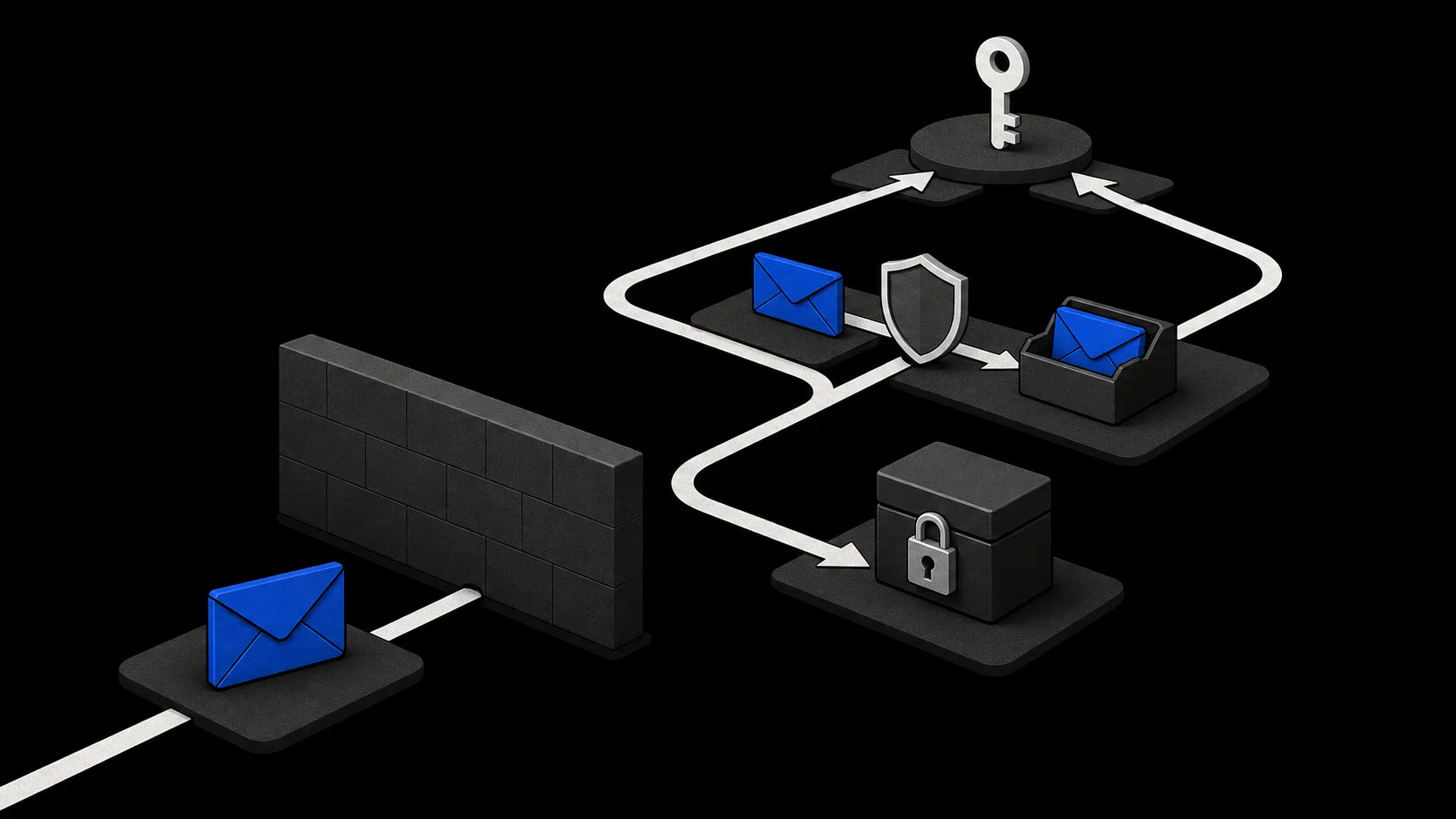
You cannot read a site's policy off an error message. But platforms that do block disposable domains usually check the domain part against a blocklist they maintain or buy, sometimes alongside checks on the address pattern itself. A smaller number accept the address first and deactivate the account later if the mail bounces or the address cannot be verified.
Common motivations, where sites state them:
- Limiting bulk account creation. Disposable domains make it cheap to create accounts at scale for spam, fake reviews or repeated free trials, so the domain becomes a convenient signal to enforce per-person limits.
- Keeping account recovery working. A reset link sent to an expired address reaches nobody. Some sites would rather refuse the address up front than handle a support case later.
- Sending required notices. Services that must deliver receipts, billing or security notices often want a contact address that still exists next month.
Whatever the reason, a rejection is a rule about addresses, not an accusation about you. TempMail.Best runs a single mail domain, so the practical outcome is binary per site: either that domain is on a given site's list or it is not. An address that passes one site's check can fail the next one's.

Accepted alternatives
The compliant fix is an address the site accepts. That is not surrendering your privacy; it is matching the address to a relationship the site insists is ongoing.
- A managed forwarding alias. The site gets a stable address, you keep your real mailbox off the form, and you can disable the alias later. The temporary email vs alias comparison lays out what each option reveals.
- A secondary permanent mailbox. A free account used for registrations keeps lasting mail out of your primary inbox and provides a durable address, although the site still decides whether to accept it.
- Your real address. For accounts you pay for or must recover, giving the site an address you control long term is usually the right answer, not a failure.
If you believe a site is wrongly rejecting a legitimate alias domain, ask their support whether they allowlist specific alias providers. That is a question, not a workaround.
When to ask support
Contact support when you have a concrete question they can answer: whether a rejection is intended, whether a specific alias provider is accepted, or whether an account created before a policy change can be migrated to a new address. Have the exact error text ready.
What support cannot help with, and what you should not try on your own:
- Disguising the address. Do not disguise or rotate a rejected address to get around the site's rule. Services advertising "bypass all blocks" ask you to trust them with your incoming mail and may violate the site's terms.
- Arguing motives. A block is usually one clause in an anti-abuse or deliverability policy, not a personal judgment about you.
The block also does not mean temporary email is useless. Plenty of sites perform no domain check at all, and for one-off downloads and disposable sign-ups a short-lived inbox still does the job. The rule is simple: use it where the site accepts it, and switch tools where it does not. TempMail.Best provides the first kind; the choice of when to use it stays with you.