Temporary Inbox, Forwarding Alias or Gmail +tag? How to Choose
Compare where mail arrives, how long access lasts, what happens when you need recovery, and what each address does—and does not—hide before you sign up.
Four address types cover most signups: a short-lived temporary inbox, a managed forwarding alias, Gmail's +tag notation, and Apple's relay addresses. They are often grouped together as "private email," but they solve different problems. The right choice comes down to one question: will you need mail from this sender after today?
Compare delivery and recovery
Start with where the message physically lands and how long you can get back to it.
| Option | Where mail arrives | How long you can reach it | What the site sees |
|---|---|---|---|
| Temporary inbox | A separate, self-contained inbox | The lifetime you picked, then never | An address on a known disposable domain |
| Forwarding alias | Your regular inbox, via the alias service | As long as the alias exists | The alias, not your real address |
Gmail +tag |
Your Gmail inbox | As long as the account exists | Your base address plus the tag |
| Apple relay | Your Apple-linked inbox, via Apple | While the address stays enabled | An Apple-generated address |
Recovery is where the rows split. A forwarding alias, a Gmail address, or an Apple relay can still deliver a password reset next year. A temporary inbox cannot, by design. Once it expires, nothing it held is reachable again, so anything you might need later—receipts, reset links, cancellation confirmations—demands one of the lasting options.
"Hides your address" also deserves care in every row. An alias keeps your real address out of the site's records, but the alias provider sits in the middle and can associate it with your account there, and the mail still ends up at a recipient address that identifies you. A temporary inbox does not go through your real account at all, but the site can still see your connection, device, and whatever else you submit. No row in this table hides those.
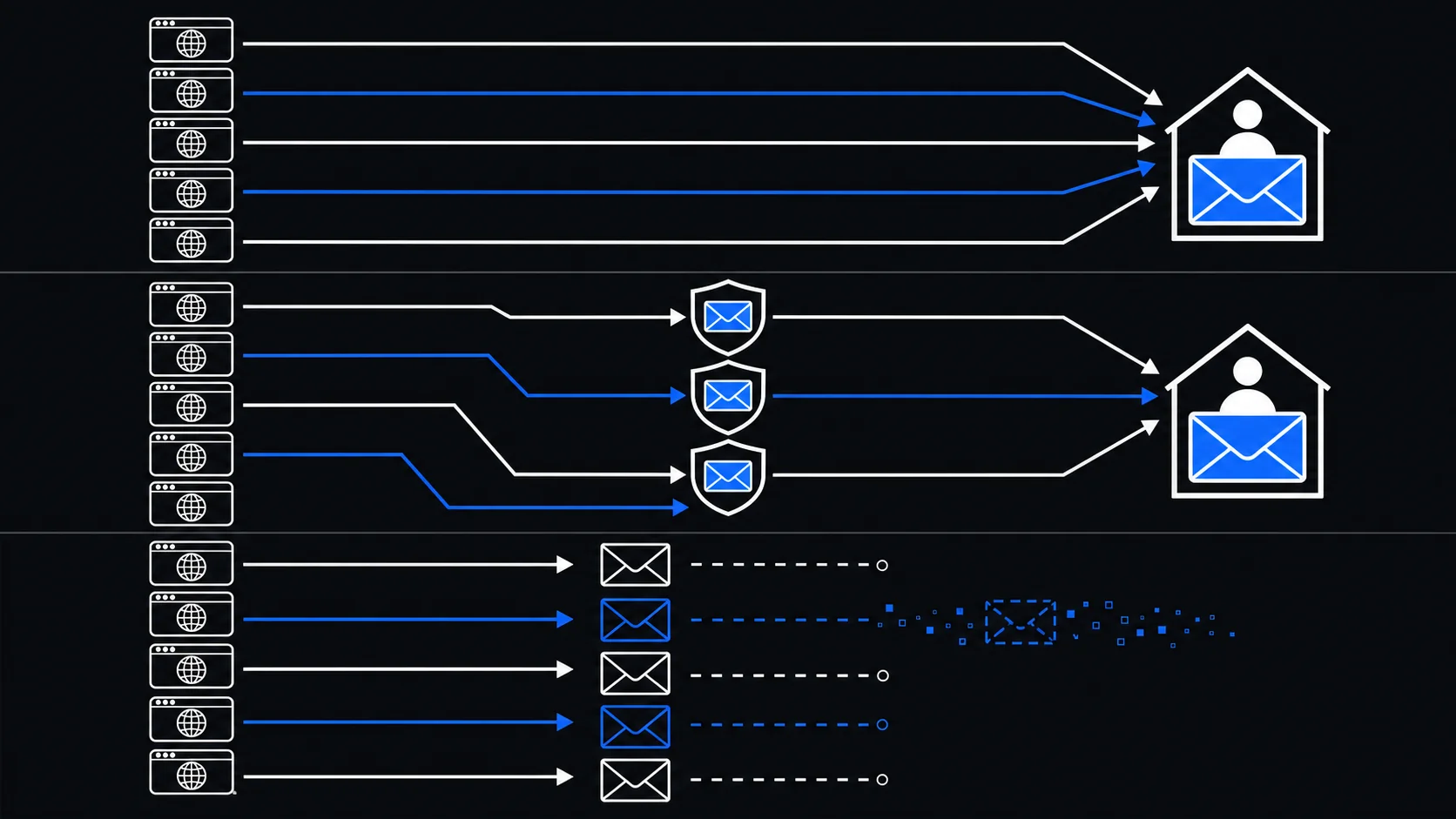
When a temporary inbox fits
A temporary inbox suits a task that ends with the mail. On TempMail.Best you create one without registering, choose 10 minutes or 1 hour, and the clock starts immediately—receiving mail does not extend it. The inbox keeps its 20 newest messages, accepts individual messages up to 1 MiB, and receives only; it cannot send. At expiry, or when you stop it manually, the inbox and its messages are deleted.
That makes it the right tool for a download link you will use once, a sample newsletter, or a low-risk confirmation for something you do not intend to keep. Because it is a separate inbox rather than a forwarding layer, the site never learns your everyday address, and nothing that arrives later can reach you.
The same property is the limit. The service currently uses one domain, chuan.info, so a site can recognize it as a disposable address and may refuse it. And anything still pending when the timer ends—a delayed code, a reset link, a support reply—is simply unreachable.
When a managed alias fits
A forwarding alias gives each service a unique public address while mail keeps landing in your real inbox. That fits relationships that continue: a shop you will return things to, a newsletter you will keep reading, a service you may need to contact support for, a paid subscription you might cancel by email.
If an alias starts attracting unwanted mail and your alias provider supports per-alias controls, you can disable that alias without changing your primary address. And when a service's user list leaks, the unique alias tells you which relationship exposed it.
Two things keep an alias from being a complete shield. Your messages still converge on one long-term inbox, so compromising that inbox or the alias provider compromises the whole chain. And the site can refuse aliases the same way it refuses disposable domains. For the messages that decide whether a purchase or trial counts as "ongoing," see email for shopping, trials and downloads.
What +tag reveals
With Gmail plus addressing, name+shopping@gmail.com delivers to name@gmail.com. It costs nothing to set up and is excellent for filters, labels, and rough attribution: a tagged address can be a clue about where you supplied it, though receiving unrelated mail does not prove who shared it.
It is an organization tool, not concealment. The base address sits in plain sight: anyone can strip +shopping and reach you anyway, and some forms reject the + character outright. Use it when sorting and attribution are the goal, not separation.
How Apple's two relay features differ
Apple runs two features that people often merge into one. Sign in with Apple can generate a relay address when you create an account through the Apple sign-in button. Hide My Email, part of iCloud+, generates random addresses for ordinary web forms and forwards mail to your chosen inbox.
The domains are changing, and the details matter. According to Apple's developer news update of August 24, 2026, newly generated Sign in with Apple addresses will move from privaterelay.appleid.com to private.icloud.com later this year, while existing addresses keep forwarding. Hide My Email addresses stay on icloud.com. Either way, these are managed relays tied to your Apple account—closer to an alias than to a disposable inbox.
Choose for your next signup
Run the questions in order:
- Do I only need one message, and never this sender again? A temporary inbox is the lightest option—10 minutes or 1 hour, receive-only, gone at the deadline.
- Will I need receipts, renewals, resets, or support? Use a managed alias so the address stays reachable but each service gets a different one.
- Is sorting my only concern?
+tagworks where the form accepts it. - Do I live in Apple's ecosystem? Hide My Email or Sign in with Apple gives you the same managed-relay pattern.
- Is this money, health, government, work, or identity? Use a durable, well-protected address; consider a managed alias only if the service accepts it and you can reliably keep the alias and the recovery route.
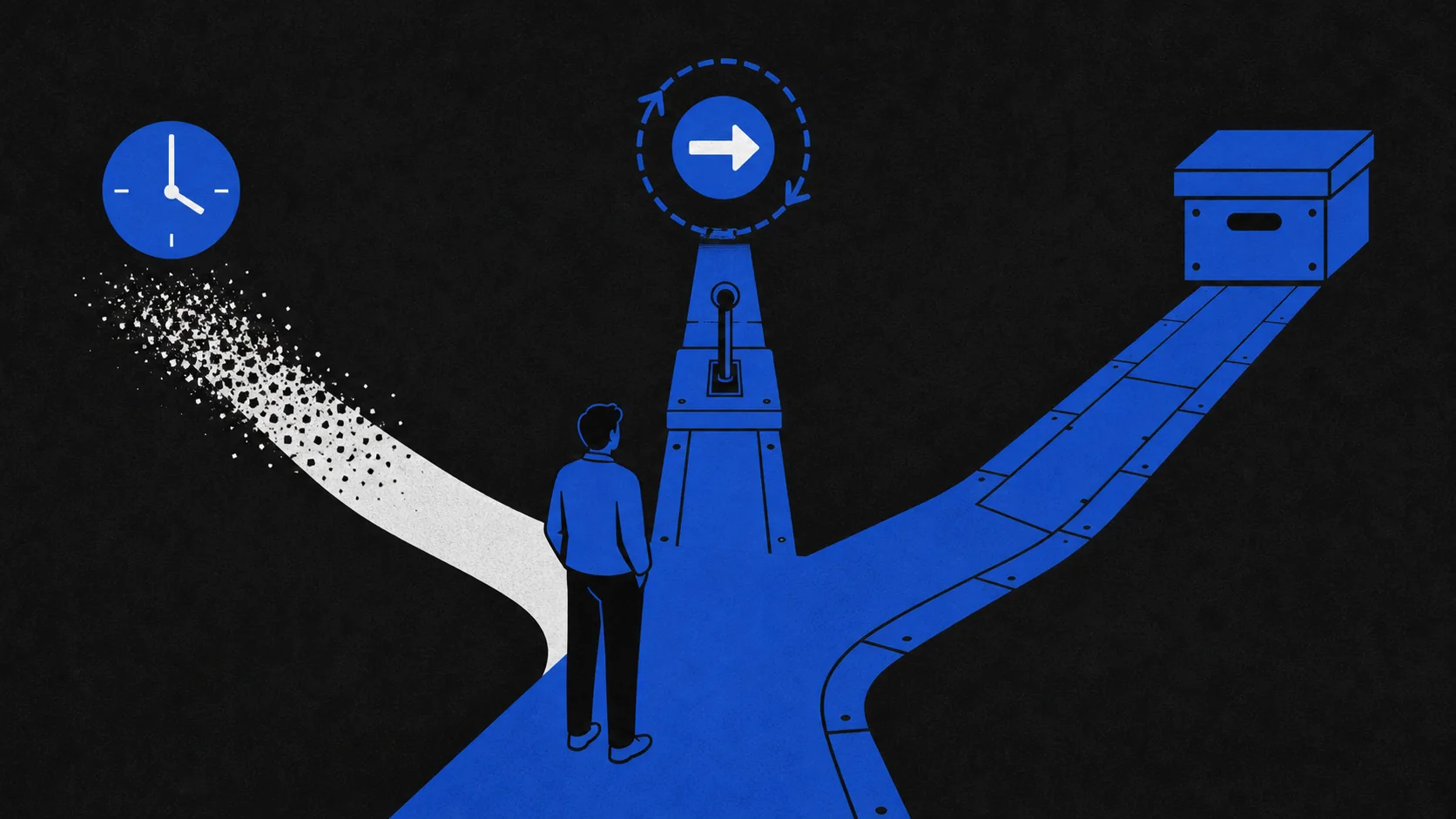
A last caution applies to all four: whichever address you give, the site still observes the rest of your session. Can a temporary email be tracked maps out what each party can see, and the temporary email guide covers a safe first use.