Temporary Email: What It Is and How to Use It Safely
Create a short-lived, receive-only inbox for a low-risk task on your first try, and learn when a lasting address is the safer choice before you sign up.
A temporary email is a receive-only inbox with a fixed deadline. You get an address, paste it into a signup form, read the message that arrives, and let the inbox expire. Done well, the whole task takes minutes, and the site receives the temporary address for this signup instead of your everyday address. Done carelessly, it costs you an account you still needed. This guide walks through one safe first use.
What a temporary inbox does
The inbox gives you an address that exists for a task, not an identity. A website records that address instead of the one tied to your regular accounts, and any later mail it sends goes to the short-lived inbox rather than to you. Once the inbox is gone, that route ends.
With TempMail.Best there is no registration and no personal email to hand over. You open the page, pick a lifetime, and the address is ready. The service currently uses one domain, chuan.info, and an inbox receives mail but cannot send or reply.
A few facts decide most of what can go wrong, so it helps to know them before you start:
- You choose 10 minutes or 1 hour at creation. The clock starts immediately.
- Receiving a message does not extend the lifetime.
- An inbox keeps only its 20 newest messages; older ones are removed as new mail arrives.
- A single raw message is capped at 1 MiB, so very large attachments are rejected.
- New mail appears in the open page as it arrives. If the live connection drops, the page falls back to checking about every 15 seconds.
Create and use one inbox
- Pick the lifetime. Ten minutes suits a code or link you expect right away. One hour gives you more time for delivery or a resend, but also keeps the inbox accessible longer.
- Copy the address into the form. Use it only for a task you are comfortable losing. Check the address before submitting; a mistyped address means the message may not reach this inbox.
- Watch the inbox. Keep the tab open. The list shows a preview of each message; open one to read its contents.
- Use what arrived. Enter a code back on the site you came from. Before opening a link, treat it like any unexpected email: a temporary inbox does not check whether a message is genuine, so prefer returning through the page you already had open.
- Finish and walk away. When the timer ends the inbox is deleted. You can also stop it earlier; on TempMail.Best that deletes the inbox and its current messages immediately.
If nothing arrives, check the address first, give it a few minutes, and use the site's resend option if it has one. Still nothing? The site may be rejecting disposable domains. TempMail.Best currently uses one public domain, so services that filter those lists can recognize the address. Generating more addresses to get around a rejection is not the answer; see why websites block temporary email, then use a lasting address or contact the site.
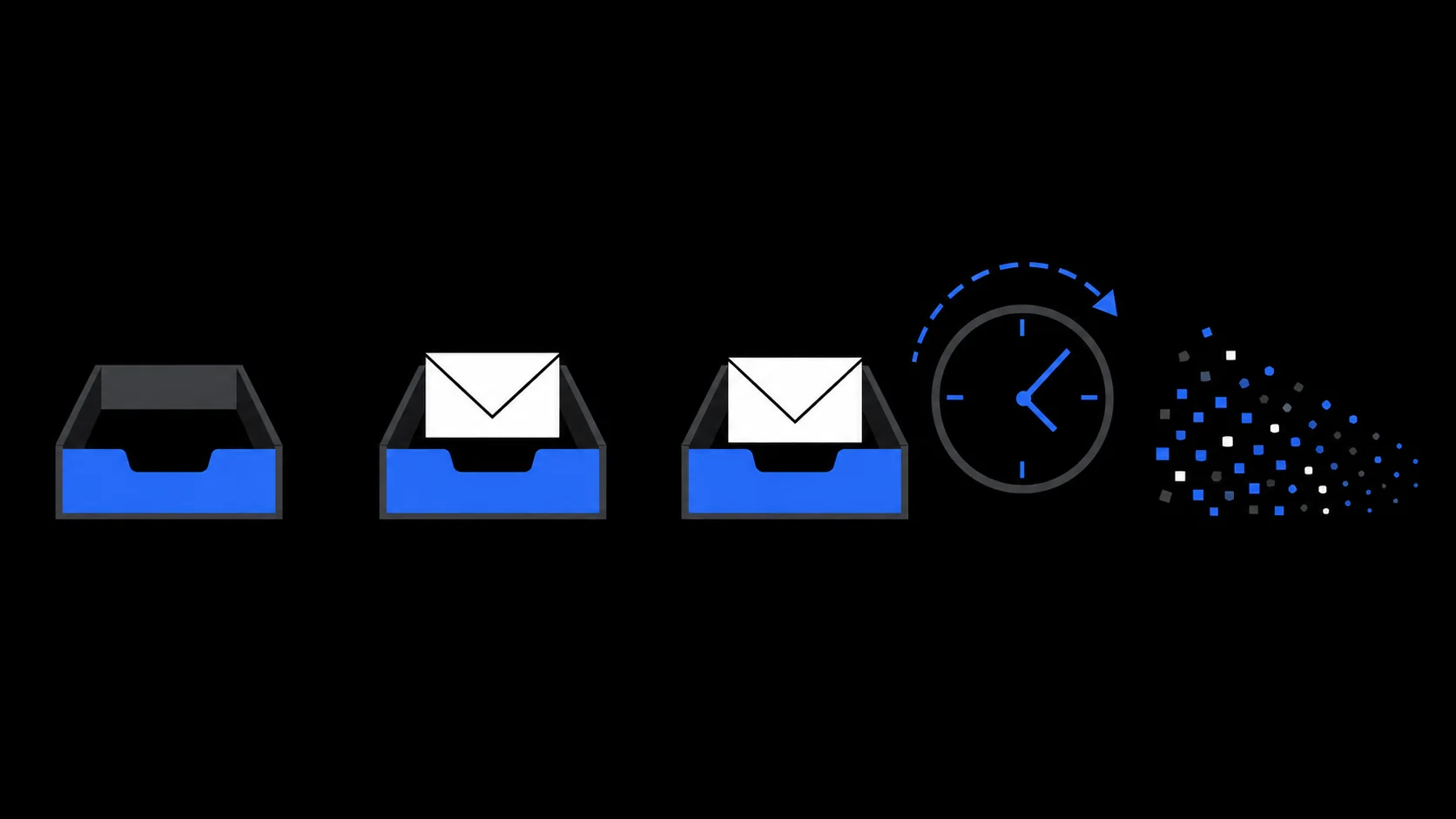
What happens at expiry
Expiry is final. When the chosen lifetime ends, the inbox is cleaned up and its stored messages go with it. You cannot reopen it, and mail sent to the address afterwards will not land anywhere you can reach. There is no forwarding to another address.
Whether the sender learns the inbox is gone depends on the sender's side, so do not count on a bounce notice either way. The only safe assumption is the one that matters to you: after the deadline, the address is unreachable.
That is also the real test for using one. If you might need a later message from this site, the address failing you is a certainty, not a risk.
When to choose a lasting address
Ask what happens if this address stops working after today. If the honest answer involves a refund, a password reset, a cancellation notice, or any account you would miss, a temporary inbox is the wrong tool.
As a rule, give a lasting address to banks and payment services, medical and insurance portals, government and legal services, work or school accounts, purchases with receipts or warranties, and anything tied to your identity. For ongoing relationships the better tool is usually a managed forwarding alias or a dedicated mailbox you control, not a second disposable inbox. The temporary email vs email alias comparison explains the differences.
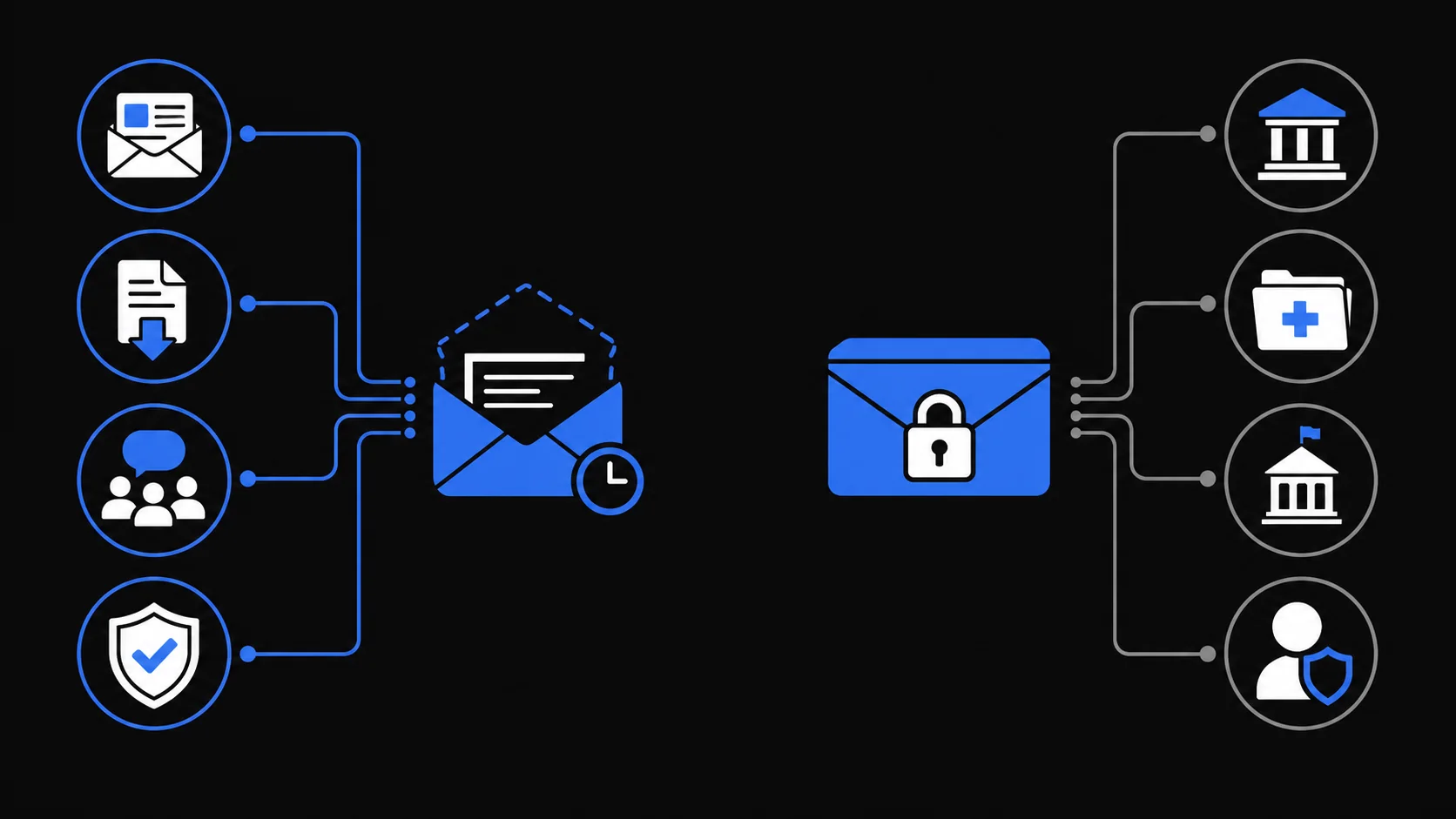
Where to go for specific risks
A temporary inbox separates your address for one task. That is all it does, and it is worth being precise about the rest:
- It is not anonymity. The site still sees your connection, device and browser details, payment data, and anything you type into its form.
- It does not make messages trustworthy. Phishing and scam mail can reach a temporary inbox, and the service does not promise to block it.
- It does not remove data you already gave a website, and it does not protect weak or reused passwords elsewhere.
For a structured way to decide whether a task is disposable at all, see when to use temporary email. For the threats that remain after the address is separated, see is temporary email safe.
If your task is short, low-risk and finished when one message arrives, open TempMail.Best, choose 10 minutes or 1 hour, and treat the deadline as part of the plan.