Is Temporary Email Safe for This Task? A Boundary Checklist
Check what address isolation covers and where it stops—account recovery, message trust and provider retention—before using a short-lived inbox.
A temporary inbox can be a reasonable fit for a low-risk task if losing it has no important consequence and you treat incoming mail as untrusted. It is unsafe for the same reason in the opposite case: if a missing reset link or receipt would cost you money, access, or records, the tool itself becomes the risk. The address is not the dangerous part; the mismatch between the task and a mailbox that will vanish is.
First, decide what you could lose
Safety here is less about the provider and more about the account. Before using any disposable address, run three questions:
- What does this site get besides an address? If you are also handing over a card number, a phone number, your name, or a government ID, the email choice is a minor detail next to that.
- Will I need mail from this sender again? Receipts, refund updates, cancellation confirmations, delivery changes, password resets. Any yes means a lasting address.
- What happens if the account locks? If email is the only recovery route, losing this inbox may lock you out.
If all three come back clean—nothing valuable submitted, one message needed, no recovery—then the remaining question is what the address actually changes.
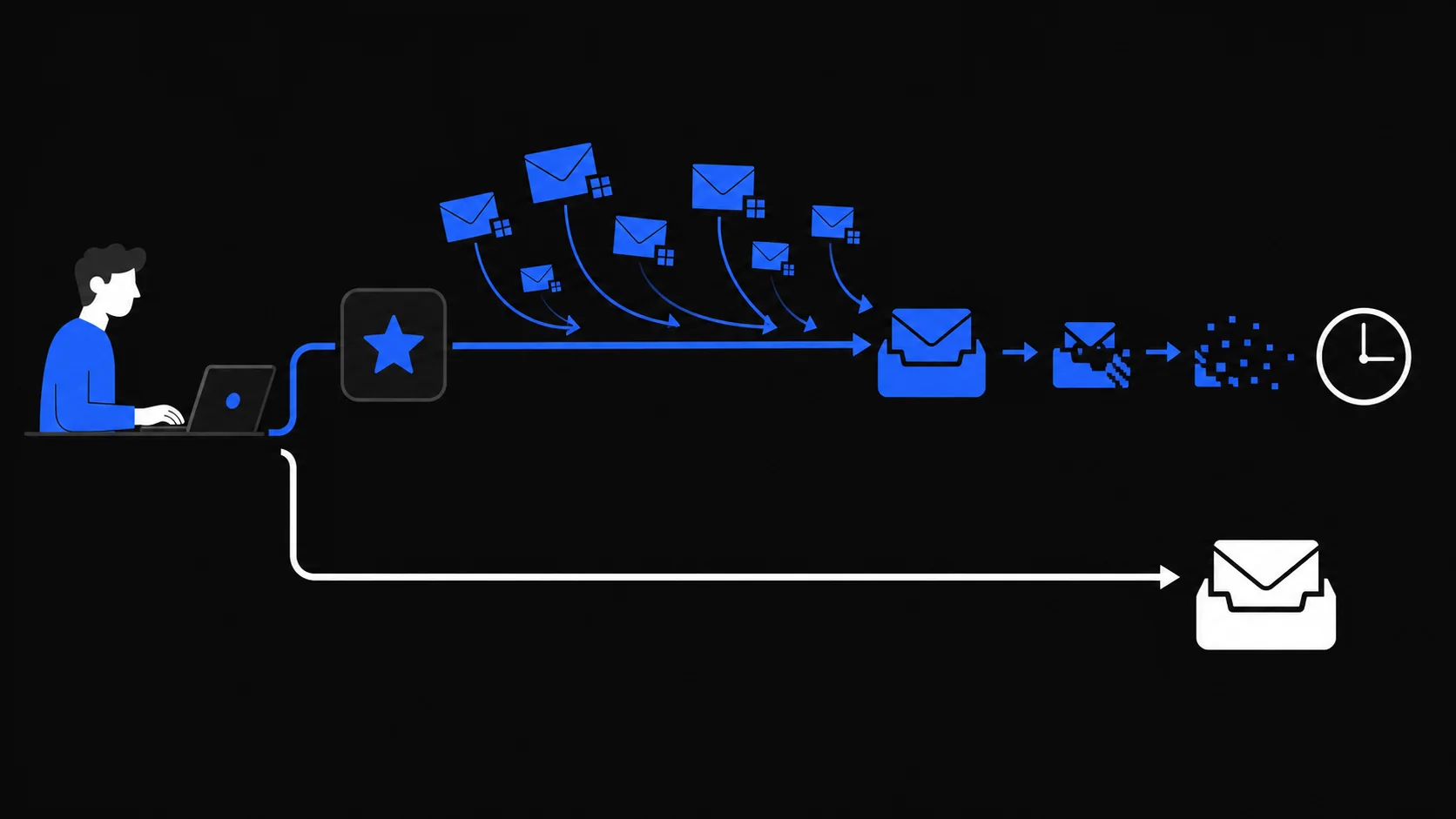
Risks address isolation lowers
Giving a site a disposable address instead of your real one removes a few concrete exposures:
- Your real address stays out of that database. If the site's user list leaks later, the field that identifies you elsewhere is not in it.
- Cross-site matching by email gets harder. Two services cannot correlate you through a shared address string when only one of them ever saw it. They may still correlate you through other signals.
- Follow-up marketing dies with the inbox. Mail sent to the address after expiry has nowhere to reach you.
- Your everyday inbox stays out of the flow. One-time confirmations and promo mail never mix with personal or work conversations.
None of this is anonymity, and none of it requires trusting the sender. It is a narrower claim: the consequences that come specifically from exposing a durable address are smaller. What a breach still means for an address you did share is covered in email in a data breach.
Threats it cannot stop
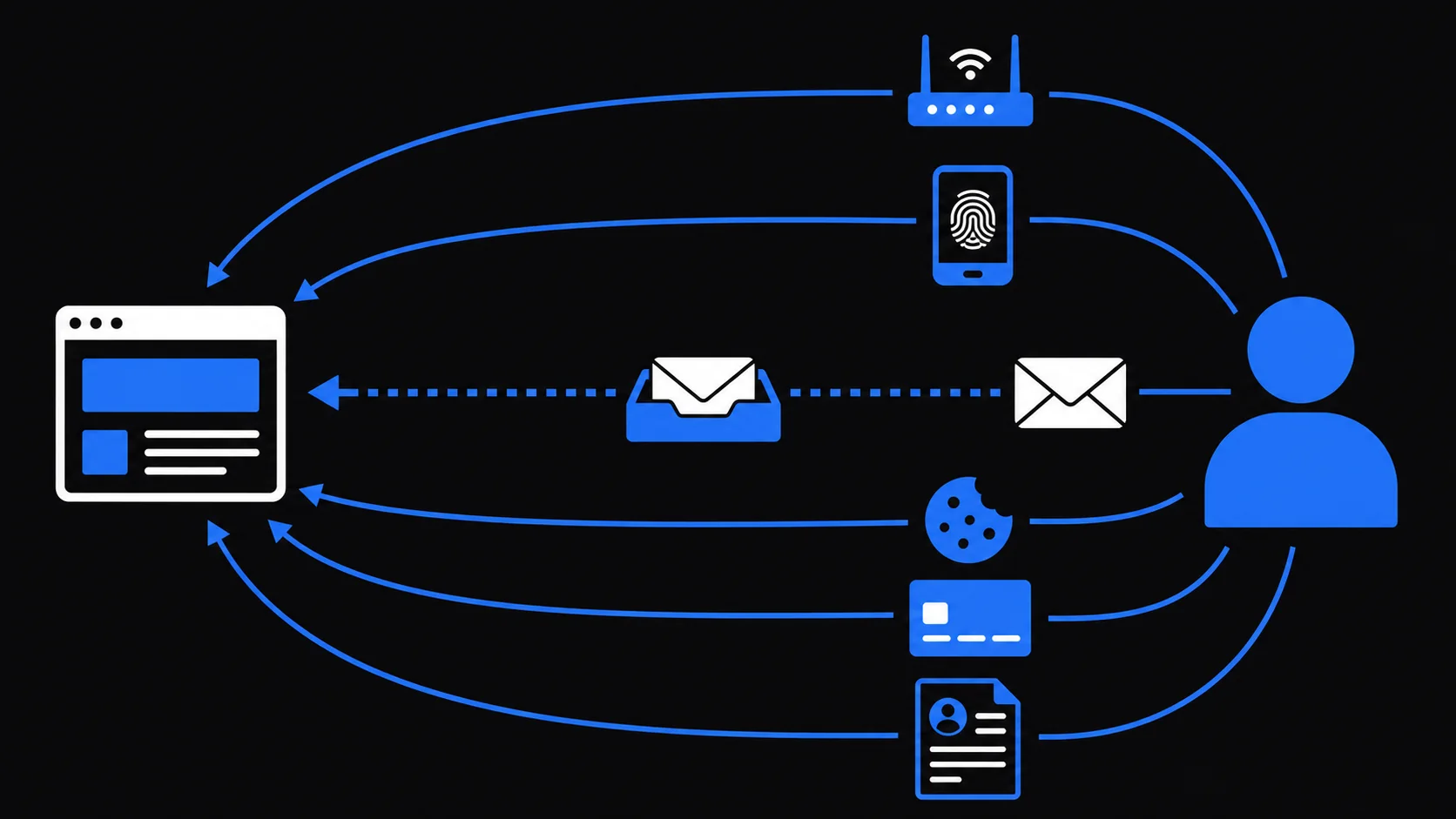
A temporary inbox changes where mail lands. It does not change what the mail is or what else you reveal.
It does not judge whether a message is trustworthy. Phishing, scam offers, and malicious attachments can all arrive in a disposable inbox. TempMail.Best rejects mail flagged with the highest spam score, but that signal is unreliable and is not a safety boundary—the service does not promise to catch spam, phishing, or anything else. If a message tells you to scan a QR code, sign in, or pay urgently, verify it through the official app or a typed URL; the QR-specific checks are in QR code phishing safety.
It does not hide the rest of your session. The website still sees your IP connection, cookies, browser and device characteristics, and whatever you type into its forms. Payment details identify you regardless of the address. The full map of who observes which signal is in can temporary email be tracked.
It does not fix account security. Reused passwords, missing two-factor authentication, and weak recovery questions fail the same way on any address.
It cannot help you later. An expired inbox is unreachable. Any promise that depends on future mail from the site—warranties, order updates, account recovery—fails by design.
Check a provider's access and retention
Two services can both call themselves "temporary email" and differ on the details that matter:
- Who can open the inbox? Some services expose mailboxes to anyone who guesses the address. Look for a private session. TempMail.Best restores your browser session through a Secure, HttpOnly cookie that scripts cannot read, and AI assistants use separate credentials instead.
- When does it actually end? The lifetime should be stated up front and should not restart when mail arrives. Here it is a fixed 10 minutes or 1 hour from creation, deleted at expiry or when you stop it manually.
- How much does it hold? An inbox keeps its 20 newest messages and rejects single raw messages over 1 MiB. Small by design.
- Can it send? Receive-only means you cannot reply from this service; it does not make incoming mail trustworthy or prevent someone elsewhere from impersonating an address.
- What does it log? TempMail.Best's mail-processing logs do not record inbox addresses, subjects, message bodies, or access credentials. That statement covers its own processing logs only; the infrastructure provider (Cloudflare) still handles your requests.
- Does it overpromise? Treat "completely anonymous," "untraceable," and "blocks all spam" from any provider as a reason to leave, not as a feature.
Make the decision
Put it together: use a temporary inbox when you need mail only during the chosen short lifetime, submit no information you cannot afford to expose, and can lose access without harm. Skip it when money, health, government, work, identity, or any account you would miss is involved.
If the task passes those checks, create an inbox, pick the lifetime that covers the whole flow, and go in knowing exactly where the protection ends.