Your Email Is in a Breach: What to Do and What Separation Changes
Prioritize passwords, MFA and suspicious mail after a breach, and see exactly which exposure a disposable address would and would not reduce.
A company you once registered with has been breached, or a monitoring service flags your email address in leaked data. The first useful thing to know is that "your email was in a breach" is not a complete description. Some breaches expose only an email and a signup date. Others include a password hash, a full name, a phone number, or a physical address. The right response depends on which fields leaked, not on the event alone.
First establish what was exposed
Start with the breach notice itself. Affected companies usually say which categories of data were taken. If no notice arrived, the monitoring service or the service's status page may show the leaked fields.
There are two fields worth treating differently.
- Your email address is a durable identifier. Phone numbers change and card numbers get reissued, but most people keep the same email for years. A breached address from a service you abandoned is still a working route to you, and it still identifies accounts elsewhere.
- The password and any personal fields decide how urgent this is. Leaked password data matters most when it can be recovered—because the site stored it weakly or because the password was already public from an earlier breach—and when you reused it. Leaked names, phone numbers, or payment details raise the stakes beyond the email field.
Do not assume the exposure includes password data just because a database leaked, and do not assume it does not. Check what was actually reported.
Secure affected accounts
If password data was exposed—or you cannot rule it out—work through this list. If the exposure did not include passwords, the follow-up items on MFA and mail rules still apply.
- If you suspect your email account itself was compromised, secure it first; otherwise start with the breached service, so the leaked password stops being valid.
- Change the password anywhere you reused it. An exposed address and password pair gets tried on other sites automatically, which is why password reuse turns a small breach into a large one.
- Turn on multi-factor authentication for your email account, then for banking, cloud storage, and anywhere else that offers it.
- Check your email account for forwarding rules, filters, or new devices you did not create. An attacker who reached the mailbox may leave one behind to keep receiving your mail after the password changes.
If the breach leaked payment details or enough identity information, treat that as a separate problem: watch the card, and follow the recovery steps the breached service gives you.
Watch for targeted follow-ups
A breached dataset tells whoever holds it something true about you: you used that service, possibly under which name and with which password habits. That makes follow-up mail far more convincing than generic spam. A message that says "Your account with X needs a new password" is believable precisely because you had one.
Two habits handle most of this:
- Treat any message that references the breached service as unverified, especially ones that ask you to sign in, confirm payment, or open an attachment. Go to the service through its official app or a bookmarked URL, not through a link in the email.
- Expect the mail to keep coming. Breach data circulates for years, so stay wary of messages referencing the breached service long after its announcement—a later message alone does not tell you whether another breach occurred.
What a separate address would have changed
Imagine the breached site is a forum or a free tool you signed up for once, and you had used a temporary inbox that expired months ago. The leaked record now contains an address that no longer receives mail. On TempMail.Best the inbox is deleted at expiry, and later mail to that address is simply no longer available to anyone.
If you used that address only for this one service, the same address cannot identify your other accounts in this breach, and the accompanying password—if you invented one just for that site—does not unlock anything more valuable.
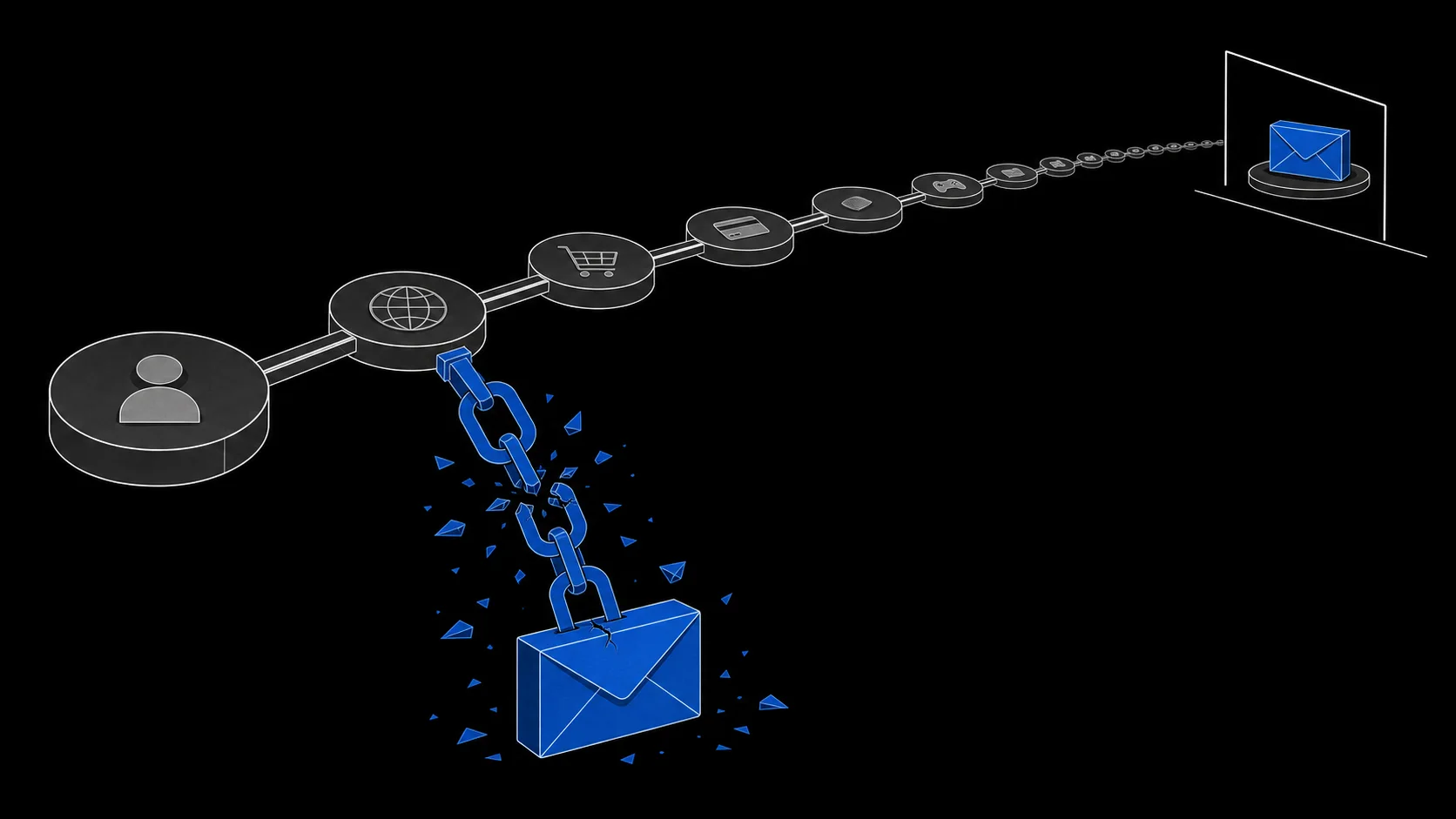
It would not have removed the exposure for free. If you filled in your real name, phone number, or card details, those fields leaked regardless of which address you used. A temporary address takes one identifier out of the record; it does not shrink the rest. And the site can still have logged your IP address and device characteristics—which signals a temporary address does not hide is covered in a separate article.
What it cannot undo
Address separation is a decision made before signup, not a fix after the fact.
- It cannot recall data already leaked. Once your real address or personal fields are in circulation, the cleanup is the password, MFA, and vigilance routine above.
- It cannot rescue weak credentials. If the leaked password is one you reuse everywhere, no inbox type prevents the account takeovers that follow.
- It cannot hide the visit itself. Sites see your network address, cookies, and browser fingerprint during the signup, whatever email you typed.
- It cannot remove what you submitted. Everything in the form fields is still the site's record.
Used ahead of time, a layered setup—a durable address for accounts that matter, a managed alias for ongoing services, and a disposable inbox for one-off interactions—simply keeps more of your identifiers out of the next breach. The three-layer email plan covers how to assign addresses before you register, and the temporary inbox vs alias comparison explains which middle option keeps receipts and recovery working.
For the disposable layer, TempMail.Best creates a receive-only inbox without registration, lasting 10 minutes or 1 hour. Receiving mail does not extend the deadline, each inbox keeps only the newest 20 messages, and its mail-processing logs do not record recipient addresses, subjects, or bodies. When the inbox is gone, its address stops being a route back to you—which is exactly the property that makes breach records less useful.