Shopping, Free Trials and Downloads: Which Email to Use?
Choose each address by the mail you may still need later — order receipts, delivery updates, refunds, cancellations or account recovery help.
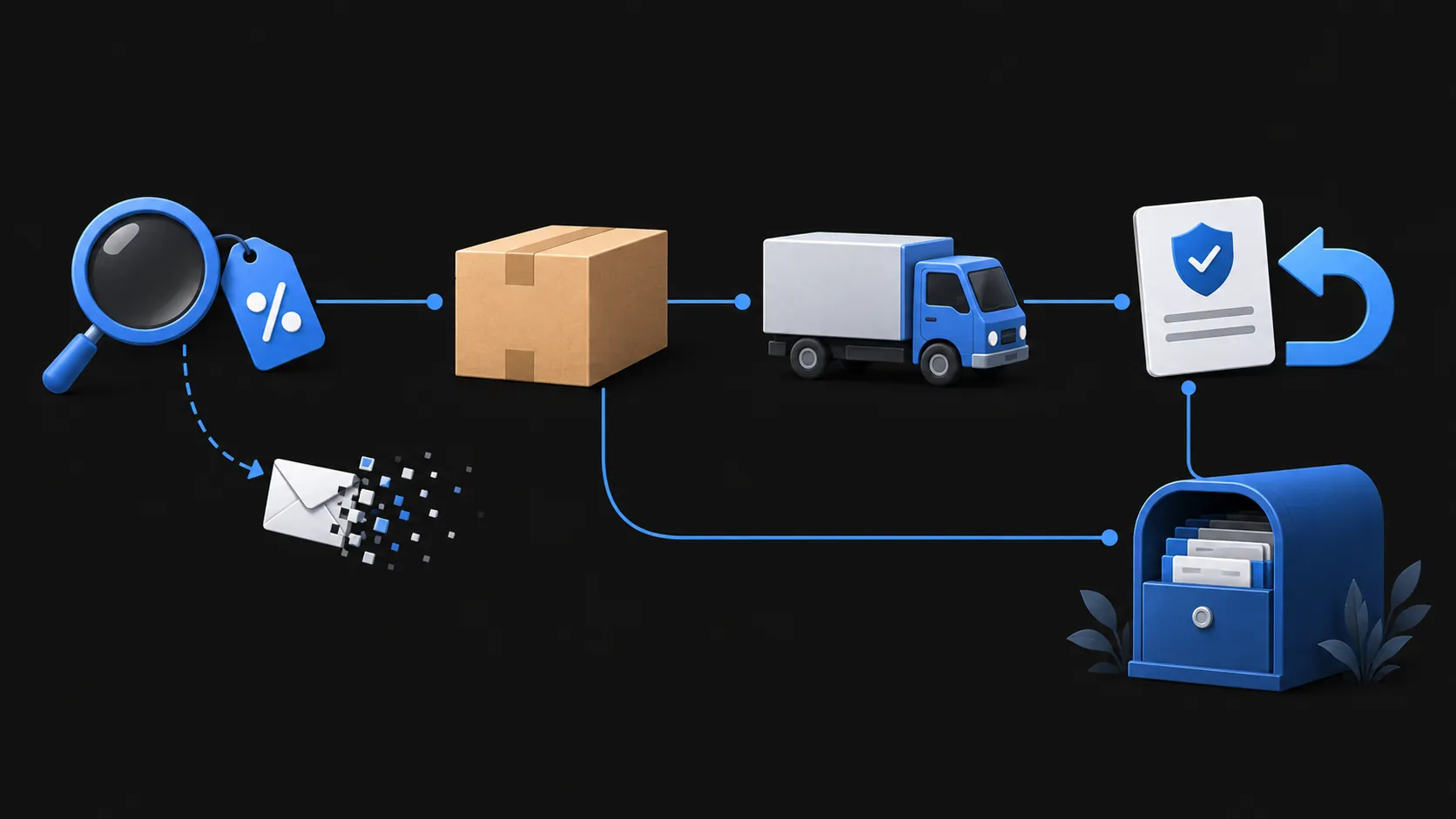
Every signup has two timelines. The first is the minute you type an address into a form. The second is everything that arrives afterward: the receipt, the shipping update, the renewal reminder, the link that re-downloads what you bought.
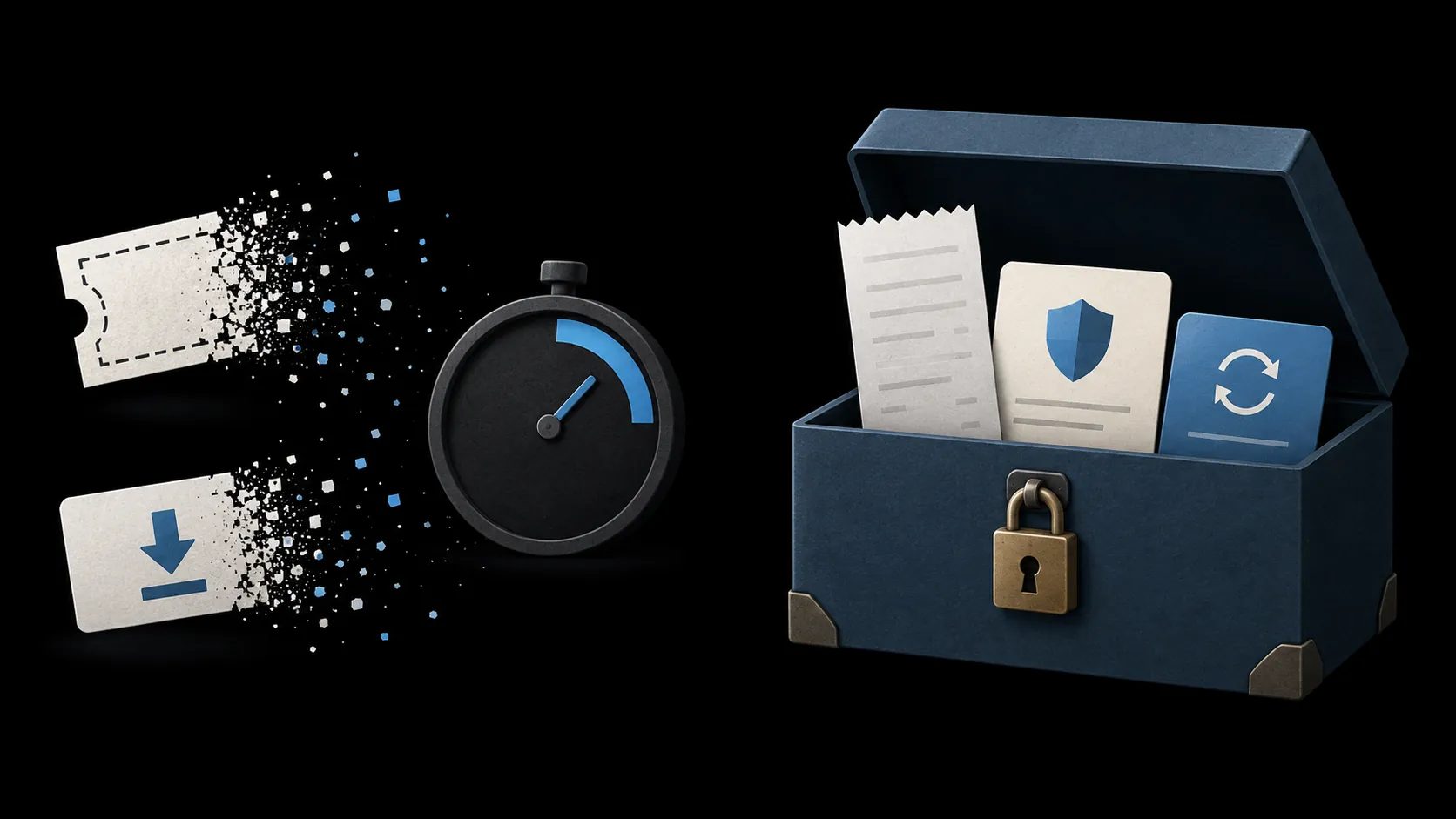
Choose your address by the second timeline. If a message you might still need could arrive next week or next month, give the site an address you will still control. If the whole exchange ends with a single email, a temporary inbox is enough. A receive-only service like TempMail.Best covers the short end of that range: no registration, a choice of 10 minutes or 1 hour, and then the mailbox is gone for good.
What message comes after signup?
Before picking an address, list the mail the relationship could still produce. For most shopping, trial, and download flows, the candidates are:
- order confirmation and receipt;
- shipping, delivery, or pickup updates;
- refund, return, or warranty correspondence;
- the record showing you cancelled;
- billing or renewal reminders;
- license keys and re-download links;
- password reset and account recovery mail.
The address has to outlive the last message on your list, not the first. This is where a temporary inbox has a hard edge. On TempMail.Best the lifetime starts counting at creation, and receiving mail does not extend it, so "I will deal with the rest later" is not an option. Whatever arrives after the deadline never reaches a mailbox you can still open.
Shopping: from receipt to return window
A real purchase is a long relationship even when it feels like a single click. An order confirmation may arrive promptly, while delivery updates, returns and warranty correspondence can require the address much later. If a refund or warranty claim needs the order number, it lives in that first email.
None of this fits an inbox that expires in an hour. Disputes make the point clearly. The U.S. Federal Trade Commission's guidance on disputing credit card charges relies on evidence: receipts, order confirmations, and cancellation records. If the only copy sat in an expired temporary inbox, you no longer have it.
There is a quieter reason to keep order mail too. Under U.S. CAN-SPAM rules, a message whose primary purpose is transactional or relationship-related may not need the marketing unsubscribe option. Order confirmations and billing notices sit in that category — they are records, not promotion.
So for purchases, use your regular address or a managed alias. If you are unsure whether a signup is closer to a purchase or a one-off, the temporary email decision guide walks through the judgment.
Free trials: payment and cancellation
Trials split into two kinds. A trial with no card on file that sends one confirmation behaves like a download: get the mail, use the product, done. A trial that stores your card and renews automatically is a subscription wearing a trial's clothes.
The second kind produces mail you cannot afford to miss: the date billing starts, the first charge, the receipt, and above all the confirmation that you cancelled. Keep that one. If the company bills you anyway, it is the evidence a card dispute needs.
Cancellation steps vary by service. Keep an address you can access until you have saved the cancellation confirmation and resolved any billing issue — and beyond that, until you no longer need the account. A temporary inbox gives you no way to retrieve any of it once it has expired.
The card-free trial is the exception. When there is genuinely nothing to cancel and nothing to recover, a temporary address can take the verification email.
Downloads: one-off link or continuing license?
The classic case for a temporary inbox is the gated file: a report, whitepaper, template, or coupon that arrives as one link in one message. Download it and the relationship is over. Any marketing that follows goes to an address that no longer exists.
But check what the download actually is before committing. Some downloads are accounts in disguise: paid digital goods you might re-download, software license keys, a purchase record you need for warranty or taxes. The test is whether you could ever need to prove the purchase or fetch the file again. If yes, the address has to be durable.
Choose a lasting alias when follow-up matters
If you want your main address out of store databases but still need mail months later, a forwarding alias covers the middle ground: the site sees only the alias, messages land in your real inbox, and you can disable it per sender. The temporary inbox versus alias comparison lays out the trade-offs, including where Gmail +tag and Apple's relay addresses sit.
For marketing mail already sitting in your main inbox, a different routine applies; the guide to managing existing subscriptions and isolating the next signup covers that.
And for the genuinely disposable case — one link, one code, one confirmation with nothing behind it — a temporary inbox can handle that one short exchange if the sender delivers in time. Create an address, pick 10 minutes or 1 hour, and let it expire. Two judgments stay separate: whether the site itself is trustworthy, and which messages you might still need and how far out they could arrive.