Reduce Signup Spam and Keep Important Mail Reachable
Manage marketing mail already in your main inbox, then keep future low-risk signups separate without losing receipts, replies or account recovery.
If marketing mail is already drowning your main inbox, the fix has two halves that are easy to confuse. One half is cleanup: dealing with the mail you already receive. The other is prevention: deciding which signups ever get your lasting address again. Neither half is a single button, and no tool does both for you.
This routine covers both, in that order, because the signups that already happened are the ones still sending.
First handle mail already in your main inbox
Legitimate senders and junk senders need opposite treatment.
Real companies you recognize: use the unsubscribe link in their email. Under the U.S. CAN-SPAM Act, commercial senders must honor an unsubscribe within 10 business days, and the unsubscribe mechanism has to work for at least 30 days after the message is sent. An opt-out from a retailer or newsletter you actually gave your address to is therefore a reasonable step. One exception: order confirmations, receipts, and other transactional mail are not covered by the unsubscribe requirement, which is fine, since those are not marketing.
Mail you don't recognize, or that looks off: don't click its unsubscribe link. Clicking an unfamiliar unsubscribe link may expose you to a malicious site or confirm activity; mark suspicious mail as spam instead.
Persistent senders: create a filter or rule in your mail client. If a newsletter you once wanted keeps mailing after unsubscribe, filter that marketing sender or mailing list while preserving receipts and account notices. Filtering is quieter than fighting each message.
None of this makes the next signup safe by itself; it only clears the backlog.
Classify the next signup
Before entering an address, sort the signup by what it owes you later.
If the site owes you nothing after the first message — a download link, a code, a one-time join link — the signup is disposable. If it owes you a receipt, a renewal reminder, a cancellation confirmation, or password resets, it is an account, and the address on it must outlive the transaction. One trap: a "get future offers" signup looks disposable on your side but is a subscription on the sender's side. The shopping, trials and downloads guide walks through which follow-up messages to expect; the temporary email guide covers the basics of creating and using a disposable inbox.
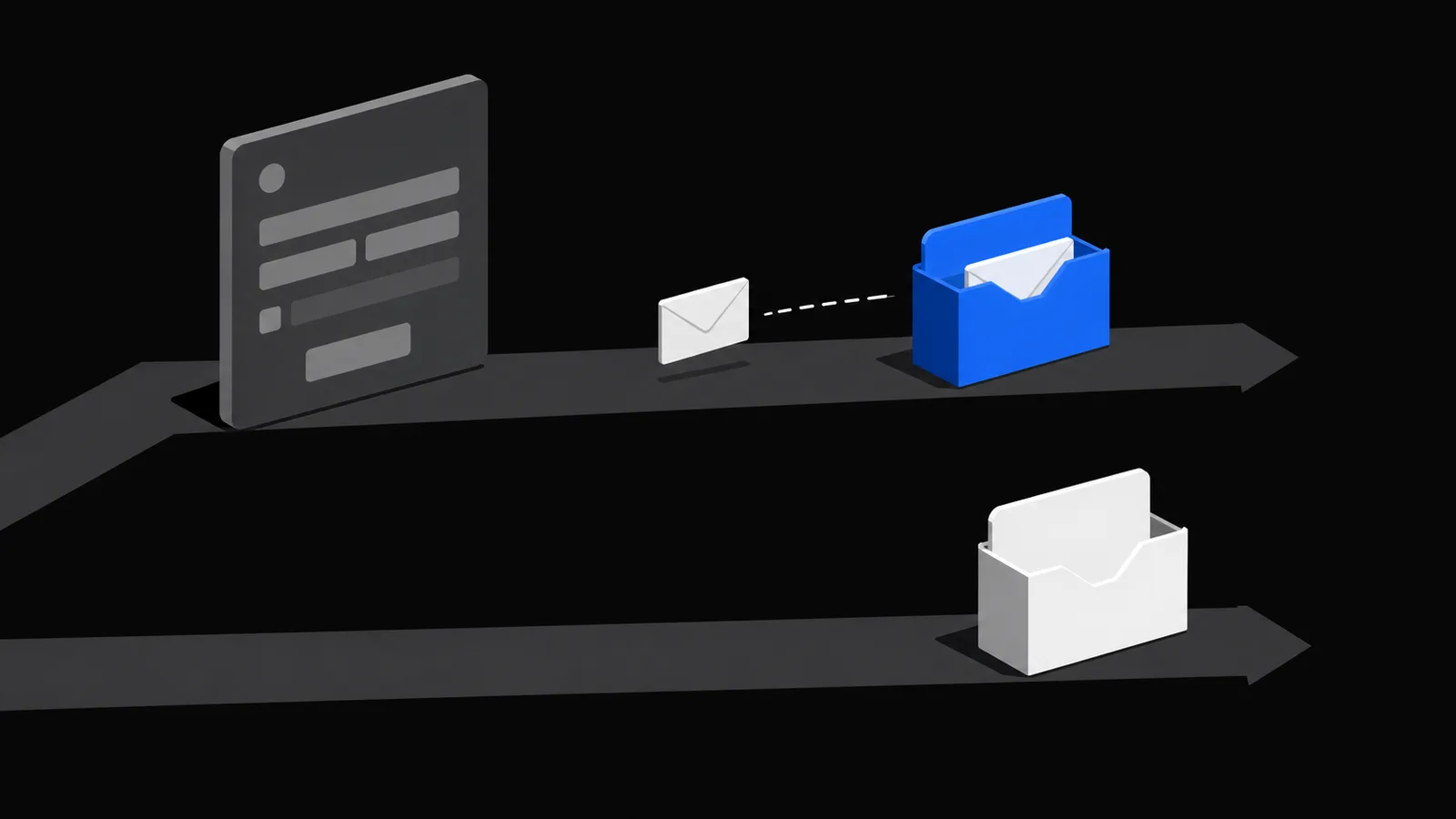
Use a short-lived address only when replies are unnecessary
For a disposable signup, a temporary inbox keeps your real address out of that site's database entirely. Whatever marketing the site sends later goes to an address that no longer exists, instead of following your main inbox.
On TempMail.Best you create the inbox without registration and pick a 10-minute or 1-hour lifetime. Receiving mail never extends the timer. An expired inbox cannot be reopened, so this only works when you genuinely need nothing else from the site — never for purchases, receipts, password resets, or accounts you might return to.
What happens when senders keep mailing it
When your temporary address expires, mail sent to it simply stops reaching an inbox you can open. You may not need to unsubscribe solely to protect this expired inbox, but the sender may still retain the address in its records. Even so, a sender — or a marketer who later buys that list — is holding an address that leads nowhere.
One thing to know while the inbox is alive: it keeps only its 20 newest messages, and individual messages over 1 MiB are not accepted. Older messages are removed if that limit is exceeded — the mailbox was never meant to be an archive anyway.
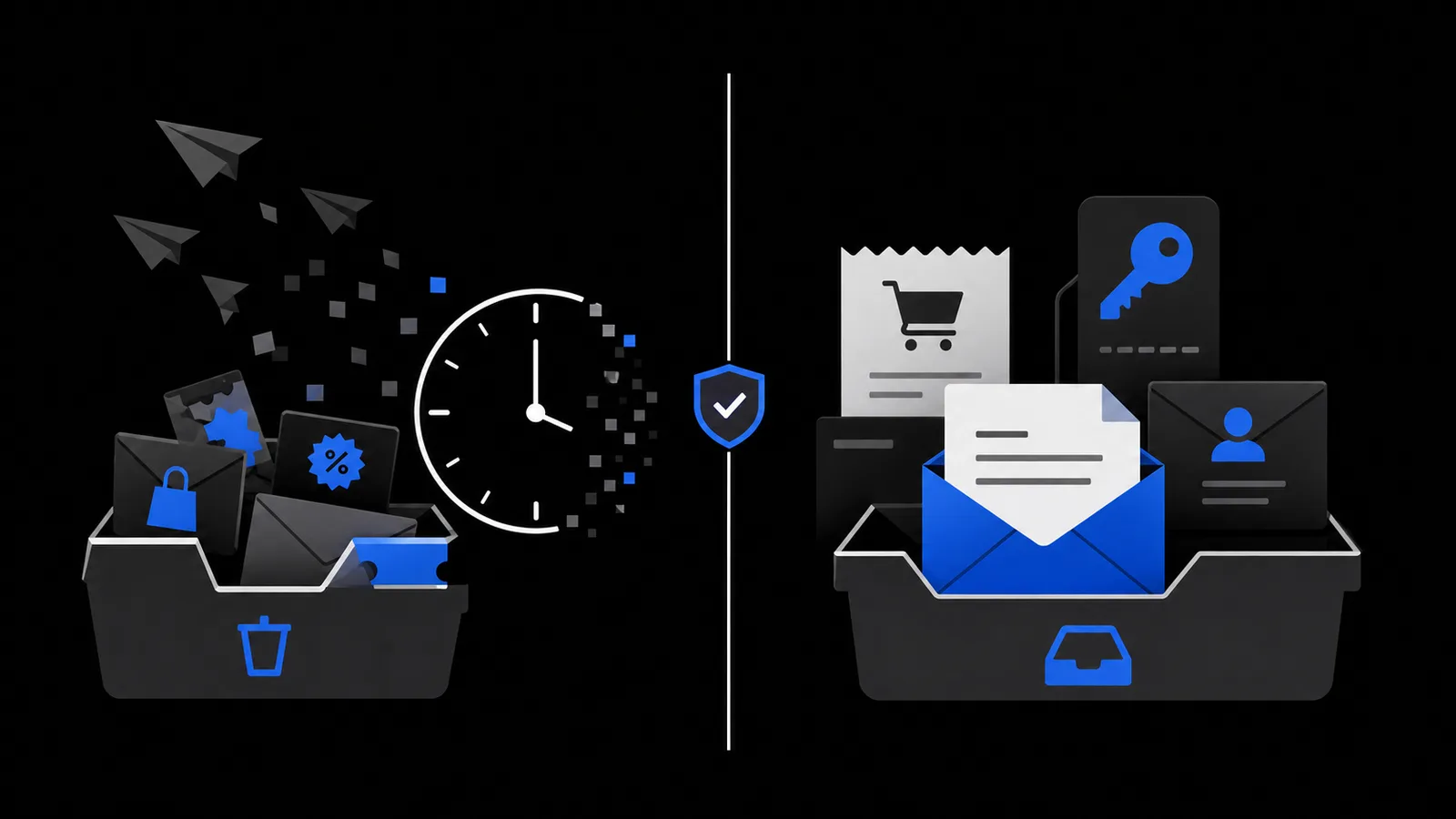
What address isolation cannot block
A temporary address does not screen the mail it receives. A phishing message can land in a disposable inbox just as easily as in your main one. Isolation separates which address a sender knows, not whether their message is honest. Open links and attachments with the same care you would anywhere, and check the safety boundary checklist for what a temporary inbox does and does not protect.
It also changes nothing about mail sent to the addresses you already gave out (that is what the cleanup step is for), and it does not hide your IP address, device fingerprint, or the other details you type into a form. What it does is narrow and useful: marketing tied to a disposable address expires with the address.
The routine is simple to describe and takes a little repetition to stick: clean up the mail already arriving, then give your lasting address only to signups that will owe you something later. For the next disposable registration, open a short-lived inbox on TempMail.Best and leave your primary address out of the record.